Smart SIM Registration | Official Portal, Prepaid Setup and Registration Guide
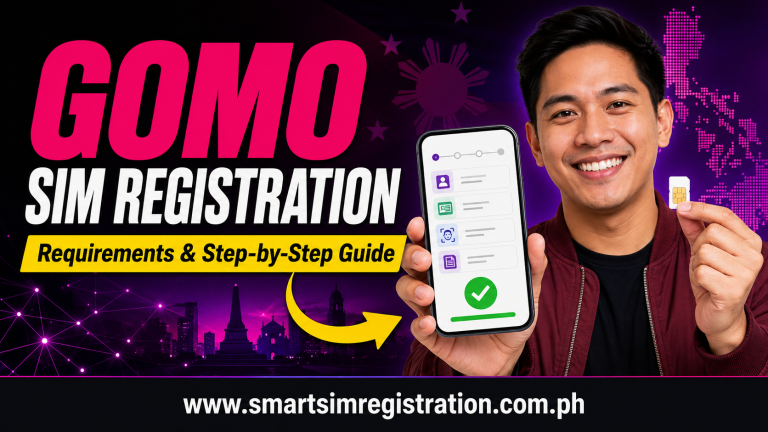
Smart SIM registration is the official process used to connect a Smart prepaid mobile number with verified subscriber information before a newly purchased SIM is fully activated.
For Smart customers, the most important point is that registration should be completed through Smart’s own registration ecosystem. This includes the online registration portal, Smart’s prepaid services, Smart eSIM registration, and assisted support through Smart Stores when online verification cannot be completed.
This guide focuses specifically on the Smart subscriber journey rather than repeating a generic SIM registration process used across other Philippine networks.
Who Needs to Complete Smart SIM Registration?
Smart SIM registration primarily applies to users activating a new Smart prepaid SIM or prepaid eSIM.
Under the Philippine SIM Registration Act, newly issued SIM cards must be registered before they can be activated for normal mobile services.
A Smart subscriber may need to complete or review registration when:
- Activating a newly purchased Smart Prepaid SIM
- Setting up a new Smart Prepaid eSIM
- Registration was started but not completed
- The registration portal shows a verification problem
- A Smart SIM needs assisted registration support
- The subscriber needs to confirm whether the SIM is already registered
This article focuses on Smart users specifically rather than TNT subscribers, even though both brands operate within Smart Communications’ network.
Official Smart SIM Registration Portal
The main online route for registration is the official Smart SIM Registration Portal.
Smart directs prepaid subscribers to:
Smart’s SIM registration service may also be accessed through:
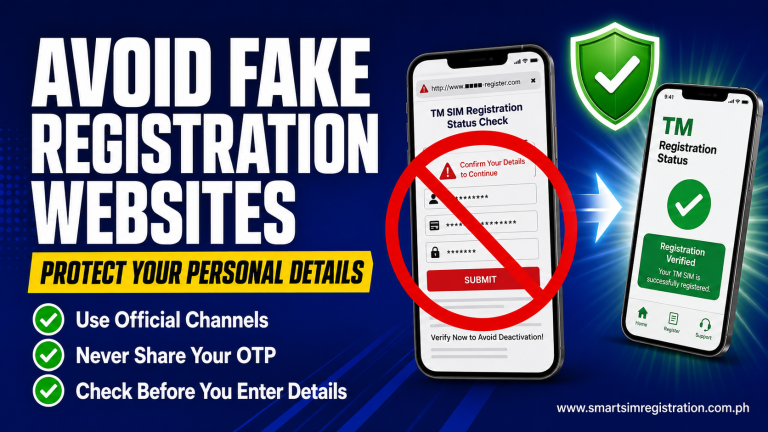
When registering a Smart number, make sure you are using a Smart-controlled website before entering your mobile number, identification details, OTP, or selfie.
This is especially important because searches such as Smart SIM registration link, Smart registration portal, and Smart SIM registration online may display third-party websites alongside official Smart pages.
The safest practice is to begin from Smart’s own website.
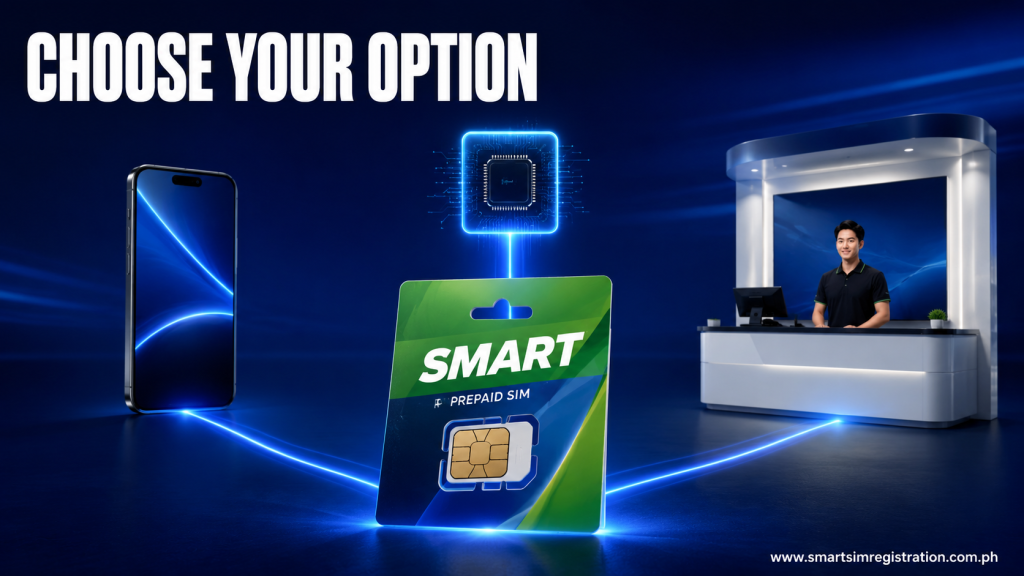
Which Smart Registration Option Should You Use?
Instead of using the same generic requirements table found on other carrier guides, Smart users can first choose the registration route that best matches their situation.
| Your Situation | Best Smart Registration Route |
| 📱 New Smart Prepaid SIM | Use Smart’s online SIM Registration Portal |
| 📲 Smart Prepaid eSIM | Register through Smart’s official online registration system |
| 🧑💻 Comfortable registering online | Complete the process through the Smart portal |
| 🏪 Need personal assistance | Visit a Smart Store for assisted registration |
| ⚠️ Online verification repeatedly fails | Try official Smart support or a Smart Store |
| ✅ Want to confirm registration | Use Smart’s official registration-status process |
This makes Smart registration different from simply following a one-size-fits-all registration checklist.
What You Need Before Registering a Smart SIM
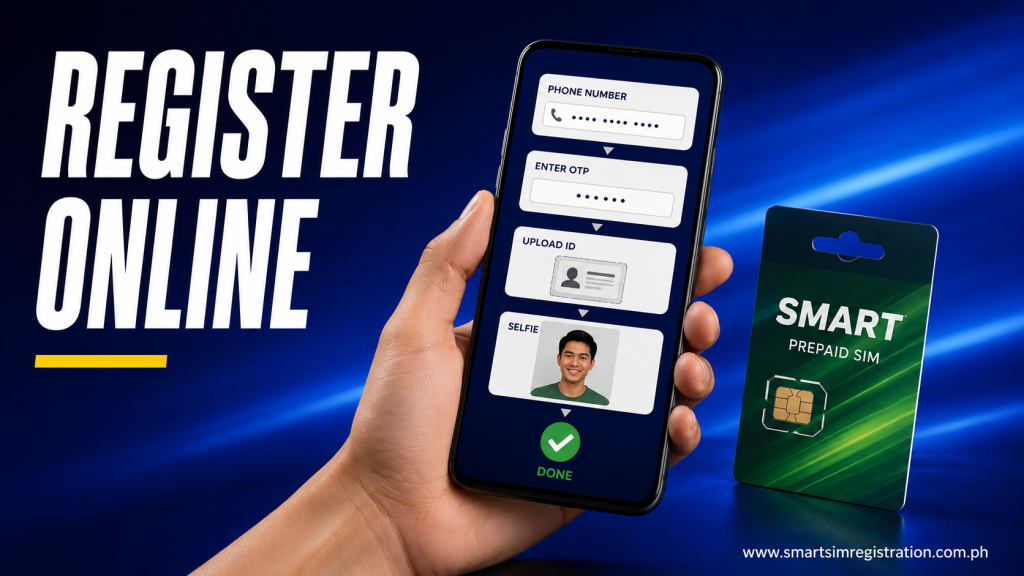
Before beginning Smart Prepaid registration, prepare the basic information needed to verify the subscriber.
You should have:
- Your Smart mobile number
- Access to the SIM for OTP verification
- Full legal name
- Date of birth
- Complete address
- Sex
- Nationality when requested
- Valid government-issued photo ID
- Clear photo of the ID
- Clear selfie
- Stable internet connection
Smart’s registration documentation also provides space for an alternative contact number or email in applicable cases.
The exact fields shown on the portal should always be treated as the current registration requirements.
What IDs Can Be Used for Smart SIM Registration?
Smart accepts government-issued identification documents for individual prepaid registration.
Common examples include:
- Philippine National ID
- Passport
- Driver’s License
- SSS ID
- GSIS E-Card
- UMID
- PRC ID
- NBI Clearance
- Police Clearance
- BIR ID
- Voter’s ID
- Senior Citizen ID
- PWD ID
- Other government-issued photo IDs accepted by the portal
You do not need to memorize the entire list before starting.
Instead, prepare one valid photo ID and select the matching document type currently available inside Smart’s registration system.
Use a document that is clear, readable, and not expired.
Also Read: TNT SIM Registration
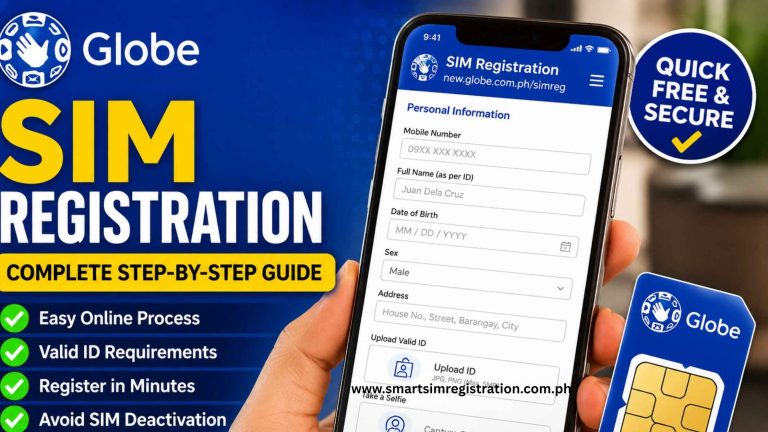
How to Register a Smart Prepaid SIM Online
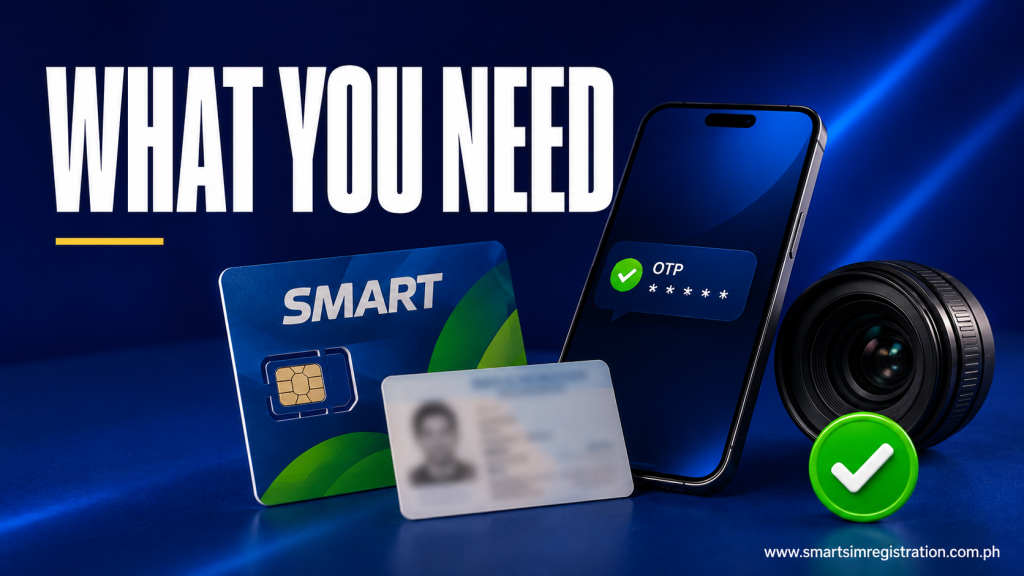
The Smart online registration process can be completed directly from a phone, tablet, or computer.
Step 1: Open Smart’s Registration Portal
Go to Smart’s official SIM registration page.
Avoid entering your information on a third-party site simply because it appears for a search such as Smart SIM registration online.
Step 2: Enter Your Smart Number
Provide the Smart prepaid mobile number you want to register.
Check the number carefully before continuing.
The SIM should be available in a working device so you can receive verification messages.
Step 3: Complete Mobile Number Verification
Smart sends an OTP to verify that you have access to the mobile number.
Enter the most recent valid code shown in your SMS inbox.
If the OTP expires, request a new one rather than repeatedly entering an older code.
Step 4: Complete the Smart Subscriber Form
Enter the personal information requested by the Smart portal.
This normally includes identifying and contact details associated with the person registering the SIM.
Carefully review:
- Full name
- Birth date
- Address
- ID information
- Registration category
Avoid using shortened names or incorrect details just to complete the form faster.
Step 5: Upload Your ID
Select the correct ID type and upload a clear image.
Make sure:
- All important information can be read
- The document is not cropped
- There is no strong glare
- The image is in focus
- The uploaded document matches the selected ID type
Step 6: Complete the Selfie Check
Take the requested selfie in good lighting.
A plain background, visible face, and steady camera can make verification easier.
Avoid covering your face with sunglasses, hats, or other items that may affect identity verification.
Step 7: Review Before Submission
Do not submit immediately after completing the final field.
Review the entered information and uploaded documents first.
Check for spelling mistakes, incorrect dates, wrong ID numbers, or unreadable images.
Step 8: Submit and Keep the Confirmation
After successfully submitting the form, save your registration confirmation.
Keep the confirmation screen, message, or other information Smart provides after registration.
This can be useful if you later need to confirm the registration status or request support.
What Happens After Smart SIM Registration?
For a newly purchased Smart prepaid SIM, completing registration allows the SIM to move toward normal activation for Smart mobile services.
Once activation is completed, the subscriber can use supported services associated with the account and chosen prepaid offers.
Registration itself should not be confused with:
- Loading prepaid credits
- Buying data promos
- Activating a specific Smart offer
- Upgrading to 5G
- Converting a physical SIM to an eSIM
These are separate account or service actions.
This distinction helps prevent the Smart registration page from overlapping with future Smart activation or prepaid-plan content.
Smart Prepaid eSIM Registration
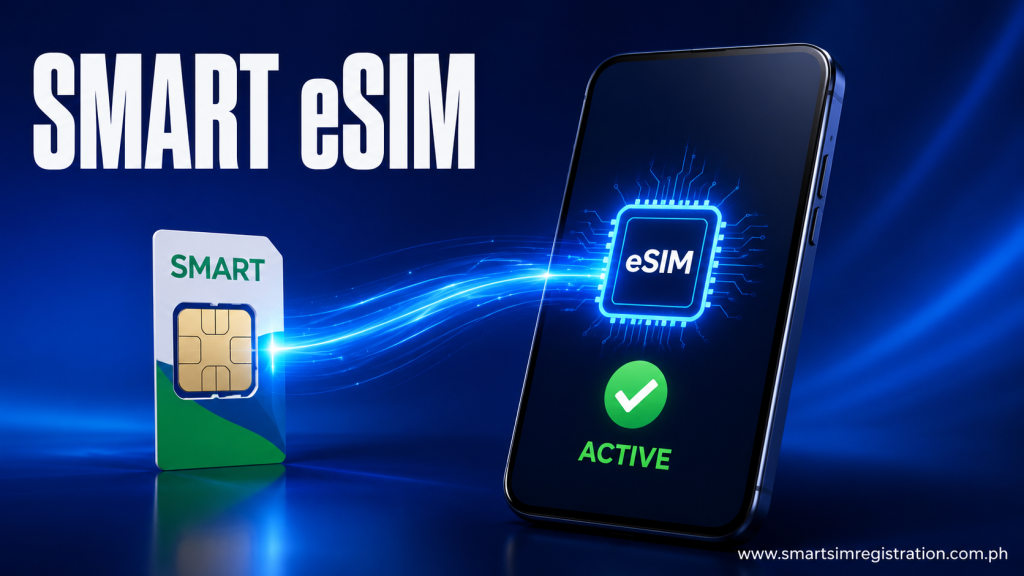
Smart Prepaid eSIM users also need SIM registration.
A prepaid eSIM is delivered digitally instead of as a physical plastic SIM, but registration requirements still apply to the mobile number.
New eSIM users should follow Smart’s current activation instructions and complete SIM registration through Smart’s official registration system.
Physical-SIM-to-eSIM conversion is different.
If an existing Smart number is already registered and is simply being converted from a physical SIM to an eSIM, follow Smart’s conversion process rather than treating it as a completely new subscriber registration.
Smart Store Assisted Registration
Online registration is convenient, but it is not the only route available.
Smart Store assisted registration can be useful for subscribers who:
- Cannot complete identity verification online
- Repeatedly encounter portal errors
- Have difficulty uploading identification documents
- Need help with an unusual account issue
- Prefer assistance from Smart staff
Bring your Smart SIM and the required identification when requesting registration support.
Using a Smart Store is especially useful when repeated online attempts are not solving the problem.
Smart SIM Registration for Minors
A Smart SIM used by a minor should be registered according to the parent or legal guardian requirements provided by Smart.
The registration should be completed under the appropriate responsible adult rather than entering inaccurate subscriber information for the minor.
Parents or guardians should follow the exact fields and document instructions shown by Smart during registration.
Smart SIM Registration for Foreign Visitors
Foreign nationals may also register Smart prepaid services, but additional identification or travel documents may be requested.
Depending on the subscriber’s status, Smart may request information such as:
- Passport details
- Nationality
- Philippine address
- Supporting immigration documents
- Proof of local accommodation
- Return or onward travel information for tourists
Foreign users should follow Smart’s current registration instructions because the required supporting documents can differ according to visa or visitor status.
Smart SIM Registration Problems and the Best Next Action
Rather than repeating the same troubleshooting explanations used on every carrier page, use this Smart-specific decision guide.
| Smart Registration Issue | Best Next Action |
| OTP does not arrive | Check Smart signal and request a fresh OTP |
| Smart portal will not open | Retry through the official Smart registration page using another browser or connection |
| ID image is rejected | Upload a clearer photo using the correct document type |
| Selfie verification fails | Retake it with better lighting and a plain background |
| Registration repeatedly stops | Restart the session with a stable connection |
| Online verification keeps failing | Use Smart’s official support or assisted Smart Store registration |
| Portal says SIM is already registered | Do not repeatedly submit new registration forms |
The key difference is knowing when to stop retrying online and move to an official Smart support route.
How to Check If a Smart SIM Is Already Registered
Smart provides a registration-status process through its official SIM registration system.
If you are unsure whether registration was completed, access the official Smart registration portal and follow the status-check process for your number.
If the system confirms that the SIM is already registered, do not submit another registration merely to obtain a new confirmation.
Detailed cross-network registration status checking should remain a separate topic so this Smart page stays focused on Smart registration itself.

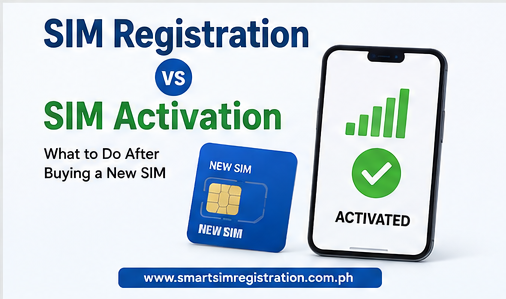
Smart Registration vs Smart SIM Activation
These two terms are related but not identical.
SIM registration verifies the identity associated with the mobile number.
Activation makes the SIM usable for mobile services after the applicable registration and network setup have been completed.
This is particularly important for users who buy a new physical SIM or Smart Prepaid eSIM and search for both Smart SIM registration and how to activate Smart SIM.
A separate activation guide can cover activation-specific problems without duplicating this registration article.