SIM Registration vs SIM Activation | What to Do After Buying a New SIM
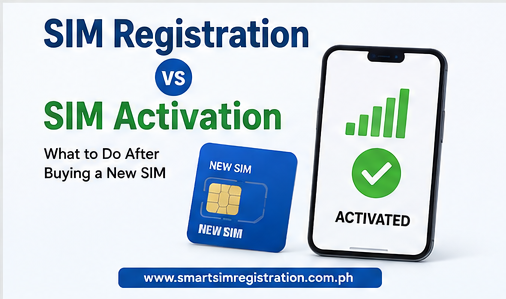
Buying a new mobile number is only the first step. You must complete SIM registration and SIM activation before using regular calls, text messages, and mobile data. These terms are connected, but they do not always mean the same thing. Registration verifies who owns the number, while activation makes the SIM ready to use on the network.
This guide explains the difference, the correct steps after buying a SIM, and what to do when a registered SIM is still not working.
What Is SIM Registration?
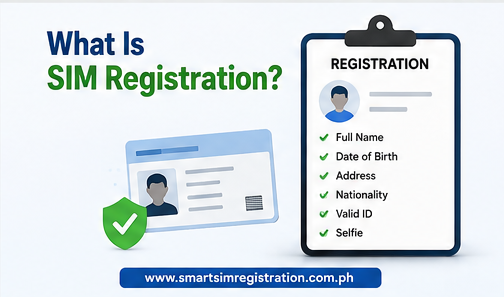
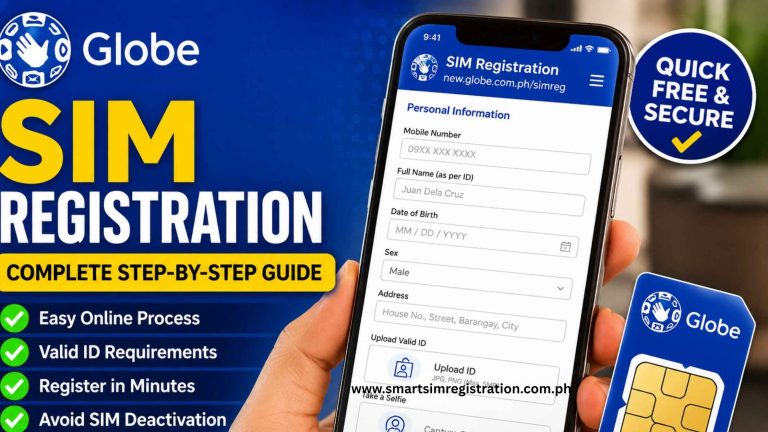
SIM registration is the process of linking a mobile number to a verified person or organization. It is required under Republic Act No. 11934, also known as the SIM Registration Act.
During registration, the subscriber normally provides:
- Full name
- Date of birth
- Gender or sex
- Complete address
- Nationality
- Valid government-issued photo ID
- Clear selfie or identity verification
The information must be submitted through the mobile provider’s official registration portal, app, store, or authorized support channel.
New physical SIM cards, eSIMs, prepaid SIMs, postpaid SIMs, and data-only SIMs must follow the applicable registration rules. A SIM used by a minor must normally be registered under the name of a parent or legal guardian.
The purpose of registration is to confirm the identity of the person responsible for the mobile number. Completing this process does not always mean the phone is already connected to all network services.
What Is SIM Activation?
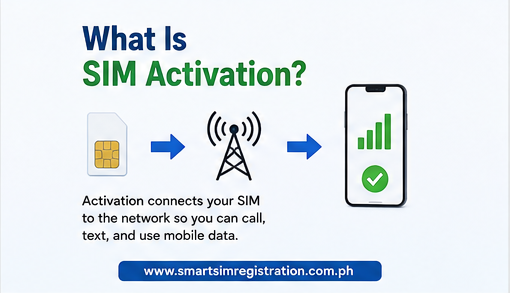
SIM activation is the process that makes a physical SIM or eSIM usable on a mobile network. After activation, the subscriber should be able to make calls, send messages, use mobile data, and access supported account services.
Activation may happen automatically after successful registration. In other cases, the user may need to complete an extra step. This can include restarting the phone, installing an eSIM profile, selecting the correct network, or following instructions in the provider’s app.
The exact process depends on:
- Mobile provider
- Physical SIM or eSIM
- Prepaid or postpaid account
- New number or replacement SIM
- Phone compatibility
- Network coverage
- Provider verification time
A successful registration confirmation proves that the subscriber’s information was submitted or approved. Activation confirms that the SIM can connect to the network and use its services.
SIM Registration vs SIM Activation
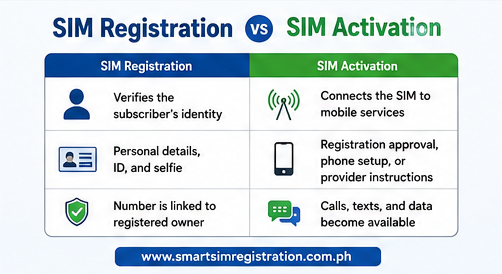
The main difference is their purpose.
| Process | Main Purpose | Information or Action Needed | Expected Result |
| SIM registration | Verifies the subscriber’s identity | Personal details, valid ID, and selfie | Mobile number is linked to its registered owner |
| SIM activation | Connects the SIM to mobile services | Registration approval, phone setup, or provider instructions | Calls, texts, and data become available |
Registration usually comes before activation because new subscribers must register before using regular mobile services.
However, inserting a physical SIM into a phone may allow limited access to the registration portal or delivery of an OTP. This limited connection does not mean that the SIM has been fully activated.
Correct Order After Buying a New SIM
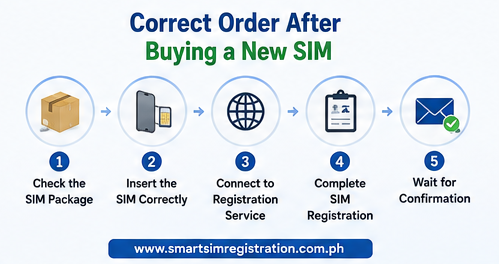
Follow these steps after purchasing a new physical SIM card.
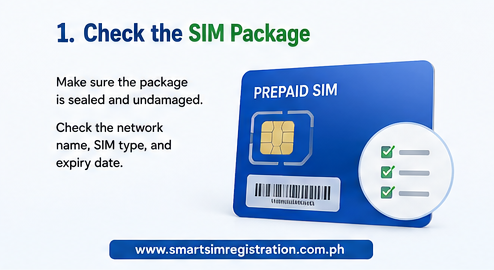
1. Check the SIM Package
Make sure the package is sealed and has not been damaged. Check the network name, SIM type, and any expiry date printed on the package.
Keep the SIM bed or card holder. It may contain the SIM serial number, PIN, PUK code, or other information that may be needed later.
2. Insert the SIM Correctly
Turn off the phone before inserting the physical SIM. Place it in the correct SIM tray and restart the device.
For a dual-SIM phone, note which slot contains the new SIM. This will help when selecting the number for calls, text messages, and mobile data.
3. Connect to the Registration Service
The new SIM may have limited access before activation. Connect to Wi-Fi if the registration page does not open through mobile data.
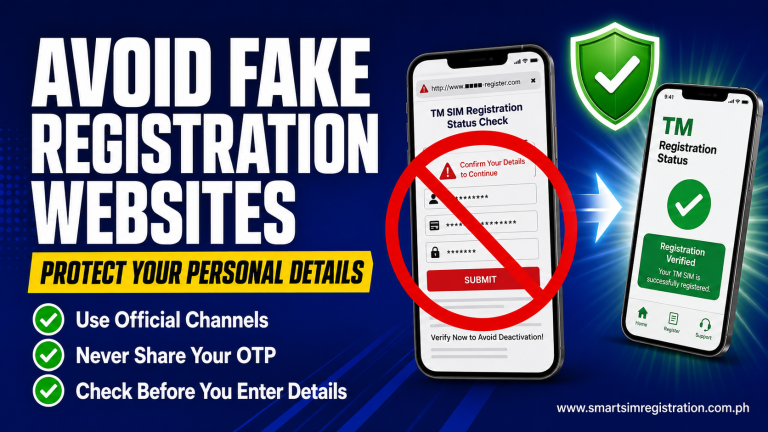
Use only the provider’s official portal or app. Avoid links sent by unknown numbers, social media accounts, or unofficial registration services.
4. Complete SIM Registration
Enter the required information carefully. The spelling of your name, birth date, and other details should match your valid ID.
Upload a clear ID image and selfie. Review everything before submitting the form.
Save the reference number and registration confirmation. You may need them if the number does not activate or if you contact customer support.
5. Wait for Confirmation
Do not assume that submission means approval. Wait for an SMS, app notification, or confirmation screen showing that registration was successful.
Verification may be completed quickly, but delays can happen because of unclear documents, mismatched information, poor internet, or temporary system maintenance.
6. Restart the Phone
After receiving confirmation, restart the device. This allows the phone to reconnect and obtain updated network settings.
Wait a few minutes, then check whether the network name and signal bars appear.
7. Test the Mobile Services
Try the following:
- Make a call
- Send a text message
- Turn on mobile data
- Check your balance
- Open the provider’s official app
If these services work, the activation process is complete.
How to Activate a Physical SIM
For most newly purchased prepaid SIM cards, registration is the main requirement before activation. After the provider verifies the details, network access may begin automatically.
If the SIM does not work, try these basic steps:
- Restart the phone.
- Turn Airplane Mode on for 30 seconds and then turn it off.
- Remove and reinsert the SIM.
- Select the correct SIM for calls, texts, and data.
- Set network selection to automatic.
- Confirm that mobile data is enabled.
- Check whether the phone is unlocked and compatible with the network.
- Wait for the official registration confirmation.
Do not repeatedly register the same number using different personal information. This can create a verification or ownership problem.
How to Activate an eSIM
An eSIM does not need to be inserted into the phone. Instead, the user installs a digital mobile profile.
The general process is:
- Buy an eSIM from the official provider.
- Connect the phone to a stable Wi-Fi network.
- Open the phone’s SIM or cellular settings.
- Select the option to add an eSIM.
- Scan the official QR code or follow the provider’s installation method.
- Complete the required SIM registration.
- Enable the new mobile plan.
- Restart the phone and test the service.
Do not share the eSIM QR code. Some codes can be installed only once. Deleting an active eSIM profile without checking the provider’s recovery process may cause service problems.
The phone must also support eSIM technology and be unlocked for the selected network.
General Activation Direction by Network
The exact screens and instructions can change, but these are the normal starting points:
| Network | General Starting Point |
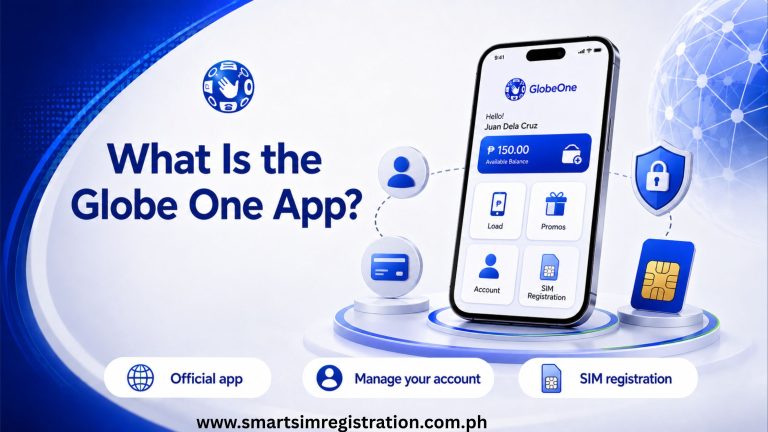
| Globe | Register through the official Globe portal or GlobeOne app and wait for confirmation |
| TM | Use the official Globe-supported registration service for TM numbers |
| Smart | Complete registration through Smart’s official SIM registration service |
| TNT | Use the official Smart-supported registration system for TNT numbers |
| DITO | Register through the DITO App or official DITO registration service |
| GOMO | Open the GOMO PH app and follow the registration and activation instructions |
This article does not replace the complete registration guide for each carrier. Users should follow their network’s official instructions if a special activation step appears.
SIM Registered but Not Activated | What to Do
A registered SIM may still fail to work. This does not always mean the registration was rejected.
Check the Confirmation Message
Confirm that the message says registration was successful. A reference number alone may only show that the application was submitted.
If the provider is still reviewing the information, wait for the final result.
Restart the Device
Restarting is one of the simplest activation fixes. It forces the device to reconnect to the network.
You can also switch Airplane Mode on and off to refresh the connection.
Check the SIM Position
A physical SIM may not be placed correctly. Turn off the phone, remove the SIM, check for dirt or damage, and insert it again.
If possible, test the SIM in another compatible and unlocked phone. This can help identify whether the problem is with the SIM or the device.
Check Network and Data Settings
Set network selection to automatic. For mobile data problems, check that the correct SIM is selected as the data SIM.
Some phones may also need the provider’s correct Access Point Name, or APN. Use only the APN settings published by the provider.
Check Device Compatibility
A phone may be locked to another network or may not support the required frequencies, VoLTE service, 5G connection, or eSIM technology.
The SIM can be registered correctly but still fail because the device is incompatible.
Contact Official Support
Contact your provider if the SIM remains inactive after registration and basic troubleshooting.
Prepare the following:
- Mobile number
- Registration reference number
- Date and time of registration
- SIM serial number, if requested
- Screenshot of the confirmation or error
- Valid ID used during registration
Do not post these details publicly or send them to unofficial social media accounts.

How Long Does Activation Take?
Many new SIMs become active shortly after successful registration. However, there is no single activation time that applies to every network and SIM type.
Activation may take longer when:
- Identity verification requires review
- The submitted details do not match the ID
- The portal is under maintenance
- The network has a temporary technical problem
- The user is activating a replacement SIM
- An eSIM profile was not installed correctly
- The phone is locked or incompatible
Wait for the provider’s confirmation before repeating the registration process. If no service appears after a reasonable period, contact official support.
Also Read: Sim Registration
Common Mistakes to Avoid
Avoid these mistakes when setting up a new SIM:
- Using an unofficial registration website
- Entering information that does not match the ID
- Uploading blurred documents
- Closing the page before saving the reference number
- Assuming form submission means activation
- Sharing an OTP or eSIM QR code
- Deleting an eSIM profile too early
- Using a network-locked phone
- Registering another person’s SIM without authority
- Ignoring the expiry date printed on the SIM package
Careful setup can prevent most registration and activation problems.
Frequently Asked Questions
Final Words
SIM registration and activation are two connected parts of setting up a new mobile number. Registration links the SIM to a verified subscriber, while activation makes the number usable on the network.
After buying a physical SIM, insert it, complete registration through the official provider, wait for confirmation, restart the phone, and test the services. For an eSIM, install the official digital profile and complete the required registration steps.
If a registered SIM still does not work, check the confirmation status, phone settings, SIM position, device compatibility, and network coverage. Contact the provider through an official support channel if the problem continues.