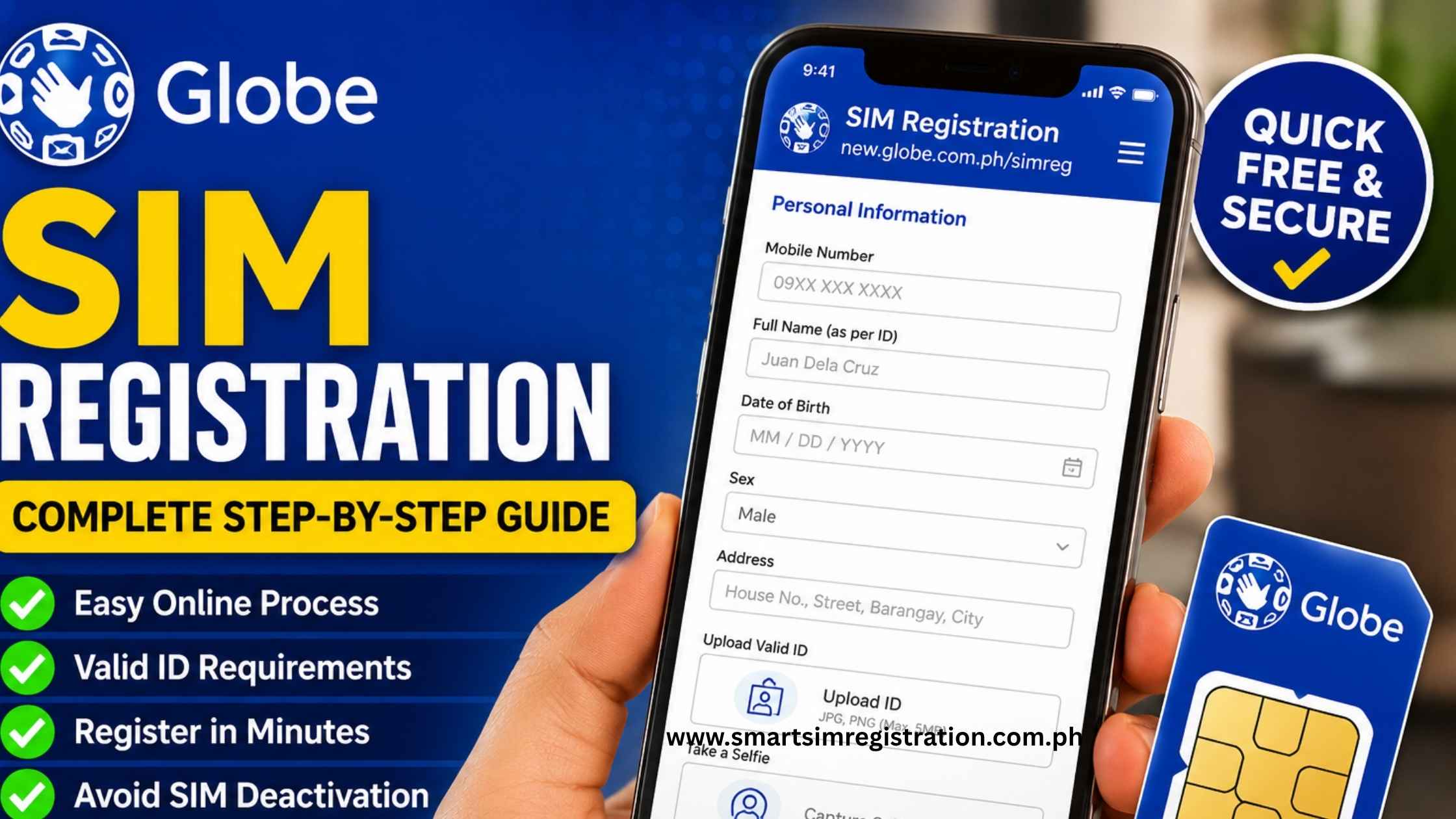
Globe SIM Registration | Requirements, Official Link and Step-by-Step Guide
Globe SIM registration is required before a new SIM can be activated for calls, texts, or mobile data in the Philippines. Registration is completely free and applies to both physical SIM cards and eSIMs. This guide explains what documents you need, where to register, and what to do if the registration process does not work as expected.
Always use an official Globe SIM registration page. You can register through the official online portal or the GlobeOne app. Globe’s registration system is also used for TM and other eligible Globe services.
What Is Globe SIM Registration?

SIM registration links a mobile number to verified subscriber information, including the user’s name, date of birth, address, and valid identification.
Republic Act No. 11934 requires SIM users to register with their telecommunications provider. New SIM cards are sold in a deactivated state and become usable only after the registration requirements are completed.
Who Needs to Register?
Globe Prepaid users
Globe Prepaid customers must complete the online registration process before using a new SIM for calls, messages, or mobile data.
Globe Postpaid and Platinum users
The personal information of Postpaid and Platinum subscribers is generally already available in Globe’s system.
However, Globe may contact these customers to confirm, update, or complete information required under the SIM Registration Act.
TM users
TM uses Globe’s registration system. TM subscribers should follow the dedicated TM SIM registration guide for the correct shared portal, TM-specific requirements, and confirmation guidance.
eSIM users
The registration law covers eSIMs as well as physical SIM cards. A Globe eSIM must therefore be registered before it can be activated and used.
People with multiple SIMs
Each mobile number must be registered separately. Registering one Globe SIM does not automatically register other SIM cards owned by the same person.
Foreign nationals
Foreign nationals must also register their SIM cards. They may need to provide a passport and additional immigration or travel documents depending on their residency status and length of stay.
Minors
A SIM used by a minor must be registered under the name of the parent or legal guardian. It should not be registered under the minor’s own name with only the assistance of an adult.
Globe SIM Registration Requirements
Prepare the following documents and information before opening the Globe SIM registration form:
- Your active Globe mobile number
- Full name
- Date of birth
- Gender
- Current address
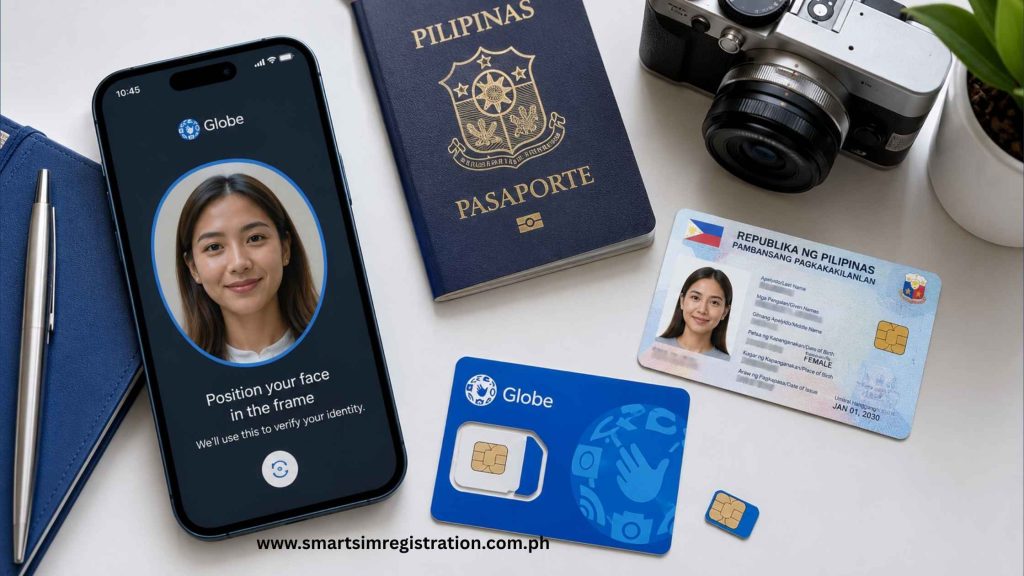
- A valid and unexpired government-issued photo ID
- A phone or computer with a working camera
- Access to the SIM for OTP verification
- A clear selfie for identity verification
Examples of commonly accepted IDs include:
- Passport
- Driver’s license
- Philippine National ID
- BIR or TIN ID
- Unified Multi-Purpose ID or UMID
- PhilPost Postal ID
- SSS ID
- Professional Regulation Commission or PRC ID
The list of accepted documents may change. Follow the current ID options displayed on the official registration portal when completing the form.
How to Register a Globe SIM Online
Step 1: Open the official registration portal
Visit the official Globe SIM registration portal and enter the mobile number you want to register.
Avoid entering personal information on unofficial websites, unfamiliar links, or advertisements that imitate Globe SIM registration page.
Before continuing, confirm that the registration form is hosted on a Globe-controlled domain.
Step 2: Request and enter the OTP
Globe will send a one-time PIN or OTP to the SIM number entered in the form.
Enter the code promptly because it is valid for a limited period. Make sure the SIM has enough network signal to receive the verification message.
Step 3: Enter the subscriber information
Choose the correct registration category and provide the requested personal details.
Your name, birth date and address must match your ID. Small spelling mistakes, incorrect dates, or missing name details may cause verification problems.
Step 4: Upload a valid ID
Upload or capture a clear image of an accepted government-issued identification document.
Make sure:
- The complete ID is visible
- The image is not blurry
- There is no strong glare
- The printed information can be read
- No important corner or detail is cut off
- The ID has not expired
Step 5: Complete the selfie verification
Complete the selfie or identity-check process displayed on the portal.
Use good lighting and keep your face clearly visible. Remove sunglasses, hats, or other items that could prevent the system from comparing your face with the ID photograph.
Step 6: Review and submit the form
Carefully review every detail before submitting your registration.
After submission, save the registration reference number, confirmation screen, or SMS message. Globe support may request this information if you report a registration problem later.
If the registration page is not loading or you are unsure which address is official, then read Globe SIM Registration Online, Official Link, Security Checks and Portal Fixes
Here is the globe official link.
| ✅ Get Ready | 📌 What You Need | ✨ Best Practice |
|---|---|---|
| 📱 Globe SIM | Your active Globe mobile number | Keep the SIM inside your phone |
| 🔐 OTP Access | Ability to receive SMS | Stay in an area with good signal |
| 🪪 Valid ID | One accepted government-issued ID | Use a clear, unexpired document |
| 👤 Personal Details | Name, birthday, address & nationality | Enter details exactly as required |
| 🤳 Clear Selfie | A clear photo of your face | Use natural light and face the camera |
| 📸 ID Image | Clear front image of your ID | Avoid glare, blur and cropped edges |
| 🌐 Internet | Stable Wi-Fi or mobile data | Avoid changing networks mid-registration |
| 💚 Final Check | Review everything before submitting | Save your confirmation after registration |
Registering Through the GlobeOne App
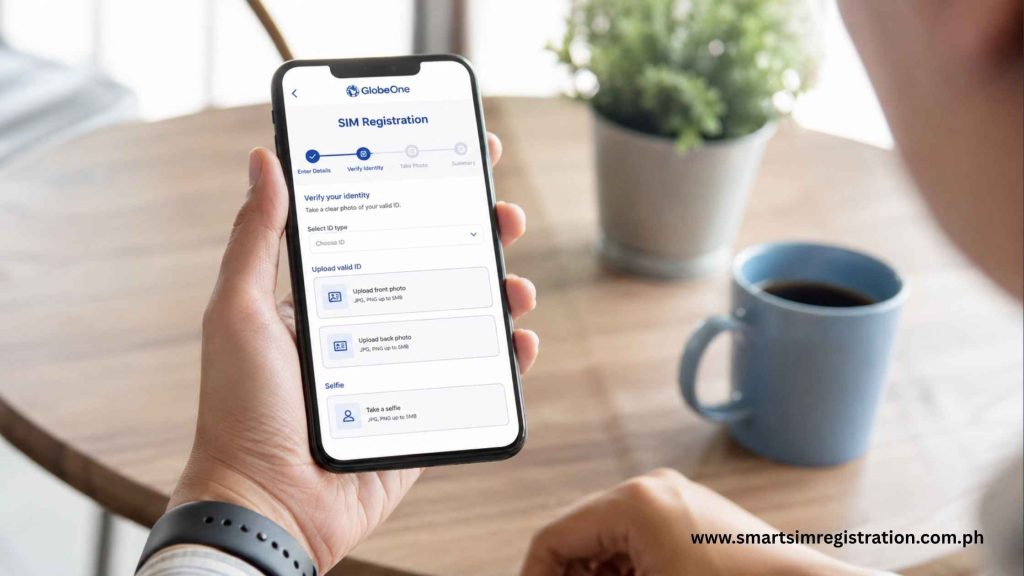
Globe subscribers may also complete registration through the official GlobeOne app.
Open GlobeOne, select the relevant account or enter the number you want to register, and follow the registration prompt displayed inside the application.
The app may request camera access for the ID and selfie verification stages.
The full installation process, app permissions, registration screens, and app-specific troubleshooting are covered separately in,
GlobeOne App SIM Registration Guide
Here is the link of GlobeOne App
How to Confirm That Registration Worked
Globe provides several ways to confirm whether the registration was successfully completed.
Check the confirmation SMS
Review the text messages received after submitting the registration. A completed registration should produce a confirmation SMS or notification.
Keep this message because it may contain your reference information.
Check the GlobeOne app
Open GlobeOne and look for a registered badge or account status beside the relevant mobile number.
Make sure you are viewing the correct account if multiple Globe numbers have been added to the app.
Check through the official portal
Enter the mobile number on the official registration portal to confirm whether a registration record already exists.
This method can be useful when a confirmation message was not received.
For help with pending, rejected, already registered or not-found statuses, read, Globe SIM Registration Status Check Guide Status check here.
Globe SIM Registration 2026 Update
There is currently no separate mass-registration countdown for new SIM buyers.
A newly purchased Globe SIM must be registered before it can be activated and used. Registration should be completed immediately after purchase or before any expiry date printed on the SIM packaging.
The requirements may be updated if Globe, the National Telecommunications Commission, or the Department of Information and Communications Technology announces a material change.
A separate annual article should not be created when the process and requirements remain unchanged.
Warning about old or deactivated SIMs
Do not assume every deactivated SIM can be restored through late registration.
Numbers deactivated after earlier registration deadlines or due to prolonged inactivity may not be recoverable. In some cases, the user may need to purchase and register a new SIM with a different mobile number.
Anyone with an old deactivated number should contact official Globe support before attempting another registration.
Common Registration Problems and Fixes
OTP does not arrive
Confirm that the SIM has a network signal and can receive SMS messages.
Use the portal’s Resend OTP option when available. Avoid requesting several new codes within a very short period because this can cause delays or confusion over which code is active.
Personal details do not match the ID
Compare the name, date of birth, gender, and address entered in the form with the details printed on the ID.
Correct any spelling errors and make sure the uploaded document is clear, readable and unexpired.
The number says “already registered”
An already registered message means that the system has an existing registration record connected to the mobile number.
Do not attempt to bypass the message by submitting different identity information. Contact Globe support or visit a Globe store if the registration record is unexpected.
No confirmation SMS was received
Use the official portal or GlobeOne app to check whether registration was completed.
Do not immediately submit a second registration form before checking the status of the first submission.
The SIM is registered but still does not work
Successful registration does not automatically resolve device, activation, signal, network, or account problems.
Restart the phone and confirm that the SIM is inserted correctly. Contact official Globe support or visit a Globe store if the issue continues.