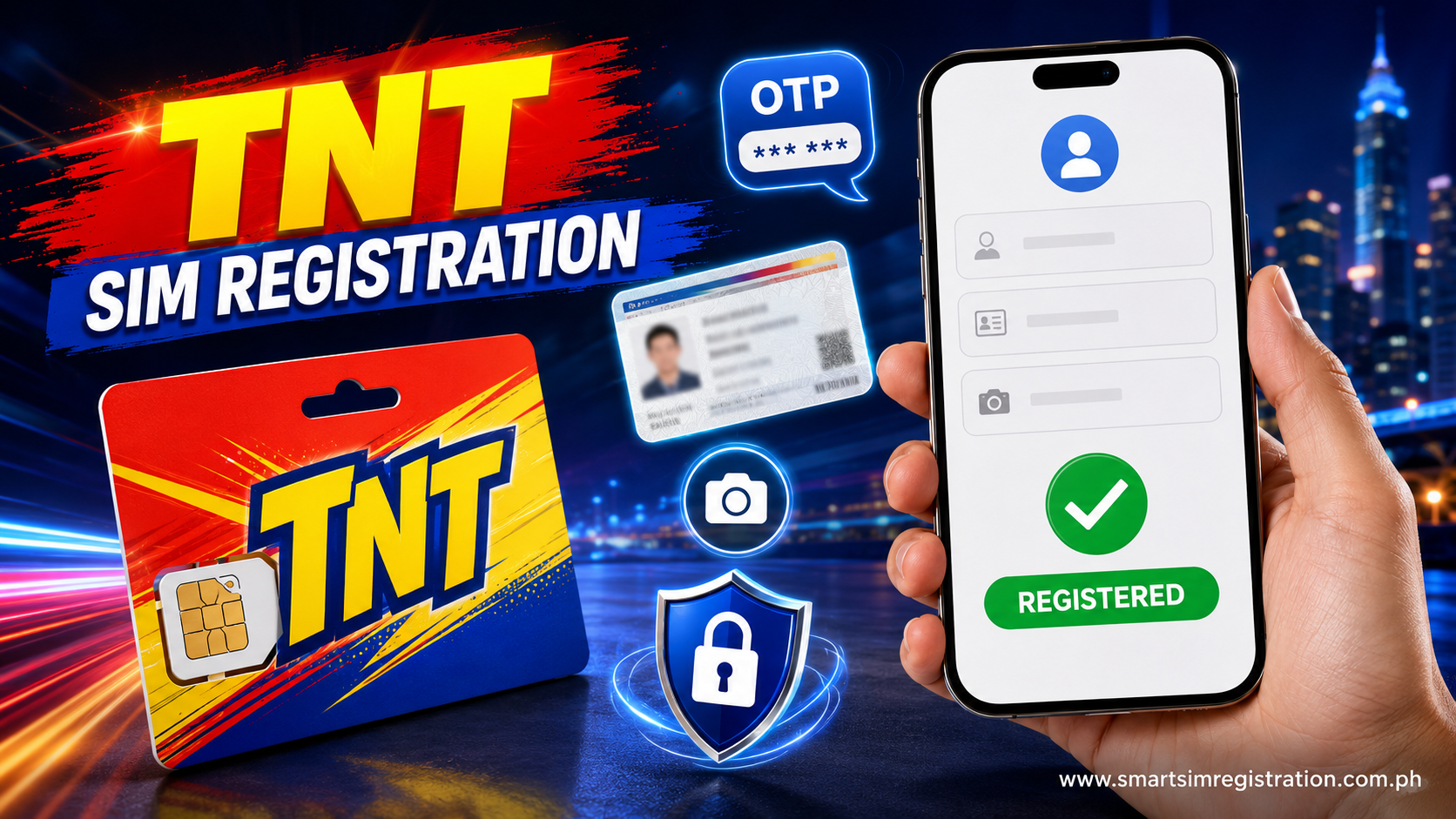
TNT SIM Registration | Complete Online Registration Guide
TNT SIM registration is required before a new TNT prepaid SIM can be fully activated and used for regular mobile services in the Philippines. Under Republic Act No. 11934, SIM registration is a prerequisite for activation of newly sold SIM cards.
For TNT subscribers, registration is handled through Smart Communications’ SIM registration system. TNT’s current service terms direct new TNT Prepaid subscribers either to Smart’s designated online SIM Registration Portal or to assisted registration channels at Smart retail stores.
This guide covers the official TNT SIM registration link, requirements, accepted IDs, online registration steps, eSIM and 5G questions, confirmation, and common registration problems in one place.
What Is TNT SIM Registration?
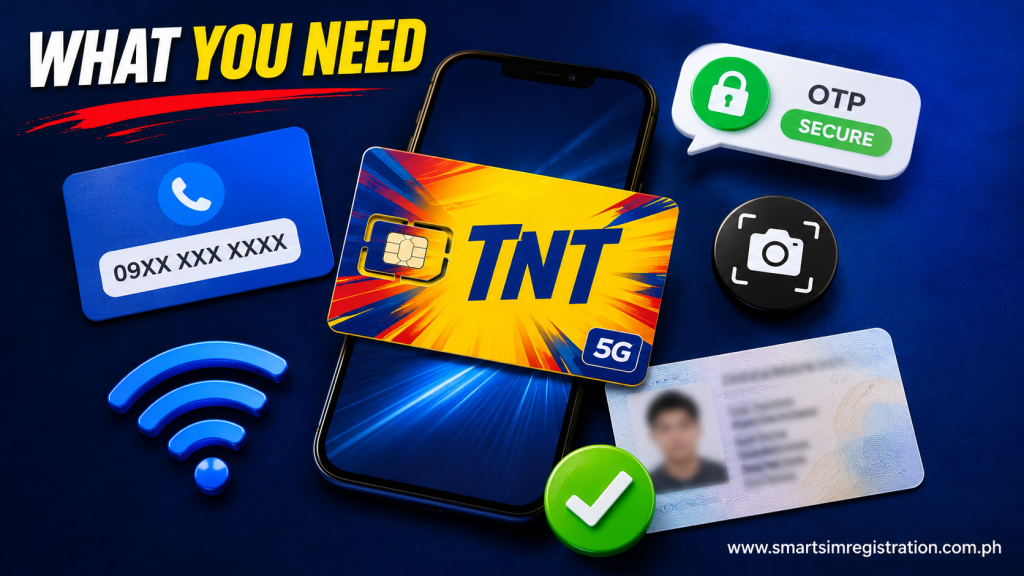
TNT SIM registration links a prepaid mobile number with verified subscriber information.
The process is required under the Philippine SIM Registration Act, which requires end users to register their SIMs with their telecommunications provider before activation.
For TNT customers, Smart Communications operates the registration infrastructure. That is why TNT subscribers are directed to a Smart-branded registration portal instead of a separate registration system operated on an unrelated TNT-only domain. TNT’s current terms specifically identify Smart’s SIM Registration Portal as an official registration channel.
What Is the Official TNT SIM Registration Link?
The official online registration route for TNT users is Smart’s SIM Registration Portal.
TNT currently directs new prepaid users to: smart.com.ph/simreg
The registration system is also available through Smart’s dedicated SIM registration domain.
TNT’s own SIM information page also directs TNT prepaid eSIM users to Smart’s registration system before activation.
Because TNT uses Smart’s infrastructure, seeing Smart branding while registering a TNT number is normal.
Use an official Smart-controlled registration portal rather than submitting an ID, selfie, OTP, or personal information to an unfamiliar third-party website.
TNT SIM Registration
| Registration Stage | What You Need | Before You Continue |
| 📱 Mobile Verification | Your TNT mobile number | Keep the SIM inserted and able to receive SMS |
| 🔐 OTP | One-time password sent to your number | Use the newest valid OTP |
| 🪪 Identity Check | Accepted government-issued ID | Make sure the ID is clear and readable |
| 🤳 Selfie | Clear facial photograph | Use good lighting and a simple background |
| 👤 Personal Details | Name, birthday, sex, address and required information | Check details carefully against your ID |
| ✅ Submission | Completed and reviewed registration form | Correct errors before submitting |
| 💬 Confirmation | Confirmation screen or SMS | Save your registration confirmation |
Preparing these items before opening the portal can make the registration process smoother.
TNT SIM Registration Requirements
Smart’s registration guidance says prepaid registration requires subscriber information, a valid government-issued ID, and a clear selfie.
Before starting, prepare:
- Your TNT mobile number
- Access to the SIM for OTP verification
- Full legal name
- Date of birth
- Sex
- Current address
- Nationality where requested
- Valid government-issued ID
- Clear ID image
- Selfie
- Stable internet connection
Your registration information should be accurate and consistent with the identification document you submit.
Using false information or falsified documents can create registration problems and may violate the SIM Registration Act.
Also read: TM SIM Registration Number
What IDs Are Accepted for TNT SIM Registration?
Smart’s registration guidance lists a range of government-issued identification documents that may be used for SIM registration.
Examples include:
- Passport
- Philippine Identification / National ID
- SSS ID
- GSIS E-Card
- Driver’s License
- NBI Clearance
- Police Clearance
- PRC ID
- Integrated Bar of the Philippines ID
- OWWA ID
- BIR ID
- Voter’s ID
- Senior Citizen Card
- UMID
- PWD Card
- Other valid government-issued IDs with a photo
Use the document options currently displayed by the official registration portal, because the available verification choices can be updated.
Make sure your ID is valid, clearly photographed, and easy for the system to read.
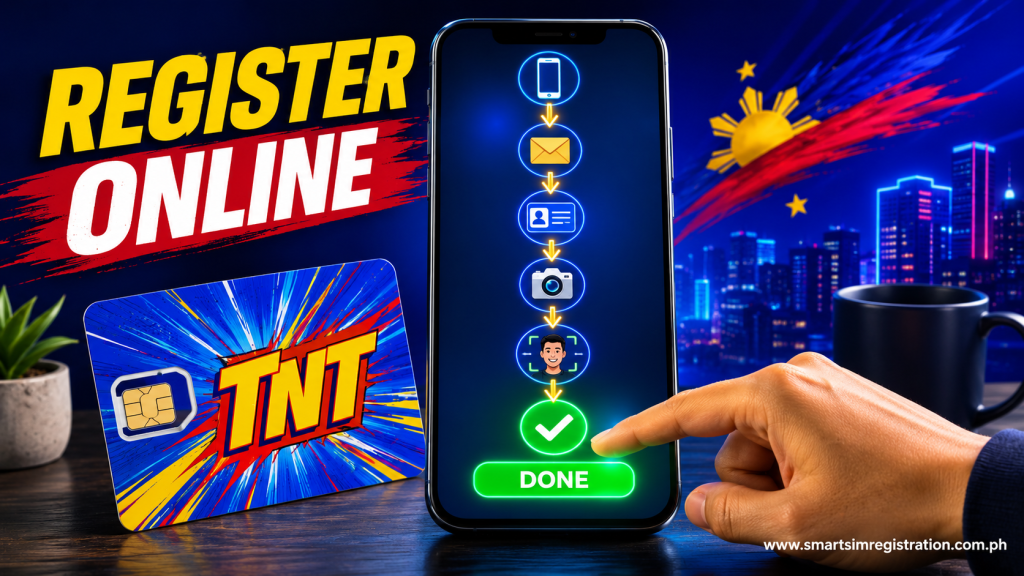
How to Register a TNT SIM Online
The online process is completed through Smart’s registration portal. Smart’s published registration guidance describes the core process as entering the mobile number, receiving an OTP, providing subscriber information, uploading an ID and selfie, and waiting for confirmation.
Step 1: Open the Official Registration Portal
Go to Smart’s official SIM registration system.
Avoid using a page simply because it appears for searches such as:
- TNT SIM registration link
- TNT SIM registration online
- TNT SIM registration form
- Register TNT SIM
- SIM registration TNT
Verify that the registration page is controlled by Smart before entering personal information.
Step 2: Enter Your TNT Mobile Number
Enter the TNT number that you want to register.
Check the digits carefully before continuing.
Keep the SIM inserted in a working mobile device because the registration system needs to verify control of the number through an OTP.
Step 3: Receive and Enter the OTP
Request the one-time password and check the SMS inbox of the TNT number.
Enter the OTP into the registration portal.
If you request another OTP, use the newest valid code received.
If no message arrives, first check your network signal and make sure the SIM can receive SMS.
Step 4: Enter Your Subscriber Information
Complete the information requested by the registration form.
This may include your:
- Full name
- Birthday
- Sex
- Address
- Nationality
- Registration category
- Other information required by the portal
Review spelling and dates carefully.
Step 5: Upload Your Valid ID
Select an accepted identification type and upload a clear image.
For the best chance of successful verification:
- Keep all important ID details visible
- Avoid glare
- Avoid shadows
- Do not crop the document
- Use a sharp image
- Make sure the document is not expired
Smart specifically advises subscribers to prepare a photo or scanned copy of a valid government-issued ID.
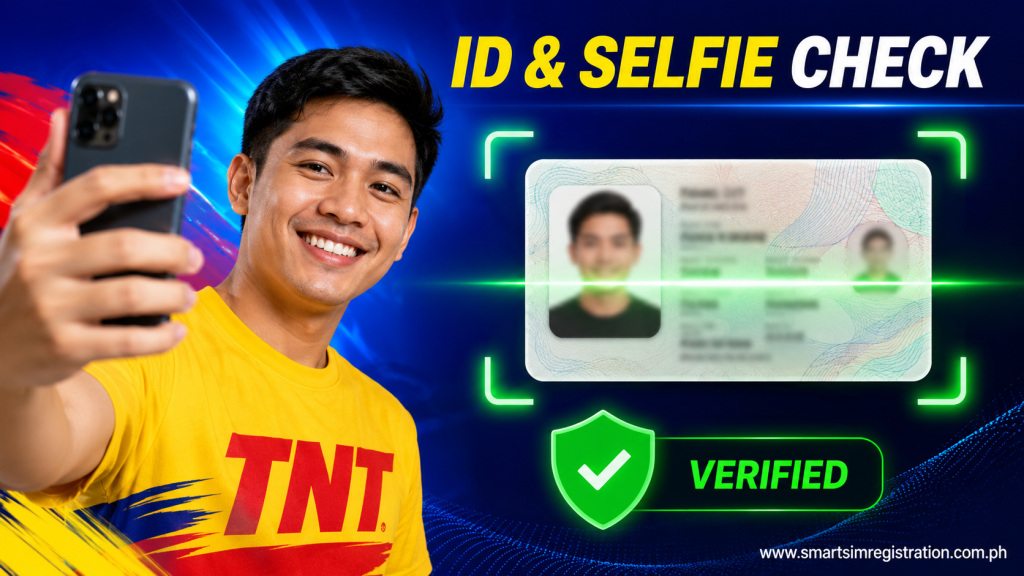
Step 6: Take a Clear Selfie
The registration process requires identity verification, including a selfie.
Smart recommends using a clear selfie with a simple background and avoiding distracting elements that can interfere with scanning.
Face the camera directly and use adequate lighting.
The ID and selfie are used for identity verification, so blurry or obstructed images can prevent the process from completing correctly. TNT’s privacy policy also explains that Smart uses identity-document verification technology during SIM registration.
Step 7: Review Your Information
Before submitting, review the registration form carefully.
Check:
- TNT mobile number
- Full name
- Date of birth
- Address
- ID type
- ID image
- Registration category
Fix any incorrect information before submitting.
Step 8: Submit and Save the Confirmation
Submit the registration once everything is correct.
Smart’s published registration instructions tell prepaid users to wait for an SMS confirming successful registration.
Keep the confirmation message or take a screenshot of the final registration screen.
Do not delete registration-related confirmation information immediately, especially if you may need support later.
Can You Register a TNT SIM at a Smart Store?
Yes, TNT’s current prepaid service terms identify two registration routes for new TNT prepaid subscribers: Smart’s online SIM Registration Portal and assisted channels through Smart retail stores nationwide.
An assisted channel may be useful when:
- Online verification repeatedly fails
- You cannot complete the form yourself
- You need registration assistance
- An account-specific issue requires support
Take the appropriate identification documents when visiting a store.
TNT SIM Registration for Minors
A SIM used by a minor should be registered under the parent or legal guardian according to Smart’s registration guidance.
The parent or guardian should provide the required information and appropriate identification rather than placing inaccurate ownership information in the form.
This is different from an adult registering a SIM in their own name.
TNT SIM Registration for Foreign Nationals
Foreign nationals also have registration requirements.
Smart’s SIM registration documentation states that foreign subscribers must provide information including their full name, nationality, passport number, date of birth, and Philippine address. Additional documents depend on immigration or visa status.
For tourists, Smart’s documentation identifies documents such as a passport, proof of Philippine address, and return or onward ticket. Tourist-registered SIMs are subject to specific temporary-validity rules under the registration framework.
Foreign users should follow the exact document instructions currently displayed by Smart’s official registration system.
How to Register a TNT eSIM
TNT prepaid eSIMs also require SIM registration.
TNT’s official SIM page instructs users to register a TNT Prepaid eSIM through Smart’s SIM registration portal before activation and use of mobile services.
So purchasing an eSIM does not remove the registration requirement.
The general order is:
- Obtain your TNT eSIM.
- Follow the activation instructions supplied with it.
- Complete SIM registration through Smart’s official registration system.
- Complete any remaining activation instructions.
Existing TNT customers converting a physical SIM to eSIM should follow the separate eSIM conversion process rather than treating the conversion as a new registration. Smart currently provides a specific MySmart process for Smart Prepaid/TNT physical-SIM-to-eSIM upgrades.
Is TNT 5G SIM Registration Different?
No separate registration portal is identified for TNT 5G prepaid users.
TNT’s current terms require new TNT Prepaid subscribers to register through Smart’s designated portal or assisted channels, without specifying a separate registration route for 5G SIMs.
Therefore, searches such as “how to register TNT SIM 5G” do not require a separate article or different registration process.
The important distinction is between SIM registration and whether your SIM, device, location, and subscription support 5G service.
Is There a TNT SIM Registration App?
Smart has previously supported SIM registration for Smart Prepaid and TNT customers through its mobile-app ecosystem in addition to its website.
However, app names and account-management tools can change over time. TNT’s current service terms explicitly identify Smart’s online SIM Registration Portal and Smart retail stores as registration channels.
For that reason, the official Smart SIM Registration Portal remains the clearest online starting point.
If you use an app, make sure it is an official Smart application rather than a third-party “TNT SIM registration app.”
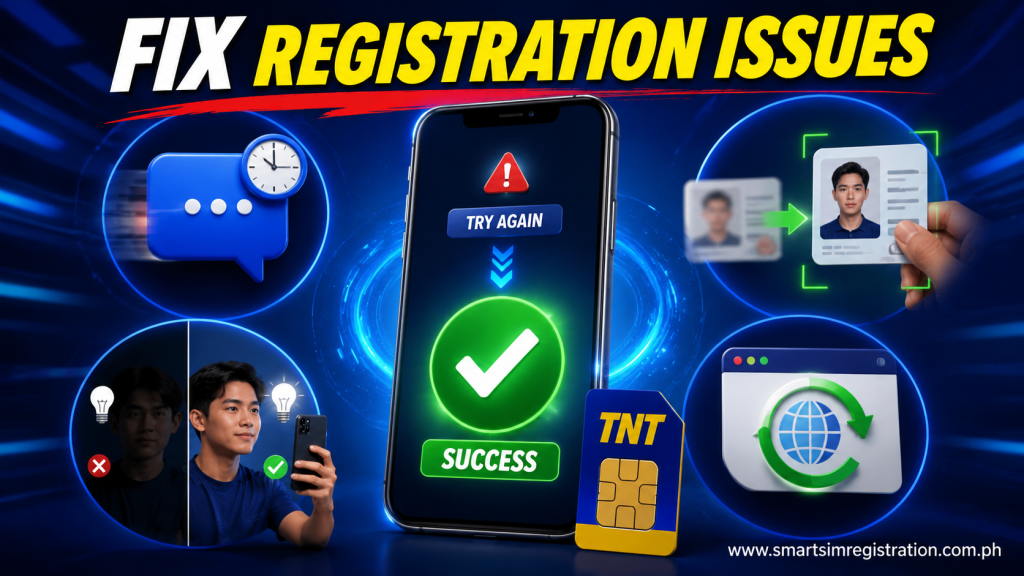
Common TNT SIM Registration Problems
OTP Not Received
Check that the TNT SIM has signal and can receive normal text messages.
If the OTP does not arrive:
- Wait briefly
- Check your network signal
- Request a new code
- Use the newest OTP received
- Restart the phone if SMS service appears stuck
Avoid repeatedly requesting codes within a few seconds.
ID Upload Fails
An unclear ID is a common cause of verification difficulty.
Try again using:
- Better lighting
- A clean camera lens
- A flat document surface
- No flash glare
- Full document edges
- A sharper photo
Do not edit identification images in a way that changes document information.
Selfie Verification Fails
Use a plain, well-lit area and face the camera directly.
Smart specifically recommends a clear selfie and simple background for registration scanning.
Remove sunglasses or anything covering important facial features.
TNT Registration Portal Is Not Loading
First verify that you are trying to access Smart’s official registration portal.
Then try:
- Refreshing the page
- Switching browsers
- Clearing browser cache
- Changing Wi-Fi or mobile-data connection
- Restarting the device
If online registration remains unavailable, TNT’s current terms provide Smart retail stores as an assisted registration channel.
No Confirmation SMS Received
Smart’s registration process includes an SMS confirmation after successful registration.
If the message does not appear immediately:
- Check your signal
- Wait for SMS delivery
- Check your message inbox
- Do not repeatedly submit new registration forms without checking first
Smart’s Help Center also provides a registration-status method through its SIM Registration Portal, where the system can indicate that a number is already registered.
How to Check If a TNT SIM Is Registered
The confirmation SMS is the first indication that registration has completed successfully.
Smart also provides registration-status checking through its SIM Registration Portal. Its Help Center explains that users can revisit the portal and receive a prompt when the SIM is already registered.
If your registration status appears incorrect or you cannot resolve the issue online, use Smart’s official support channels rather than submitting personal information to an unofficial status-check website.