TM SIM Registration Number | How to Find Your Reference Number and Check Status
If you have already registered a TM SIM, you may later search for your TM SIM registration number to confirm whether the registration was successful, recover your reference details, or check the status of your mobile number.
The phrase TM SIM registration number can be confusing because it may refer to more than one thing. Some users mean their TM mobile number, while others are looking for the reference number displayed after registration or simply want to know whether their SIM is already registered.
This guide explains the difference and shows the official ways to check your TM SIM registration status without repeating the complete registration process.
What Is a TM SIM Registration Number?
There are two different numbers users commonly mean when searching for a TM SIM registration number.
The first is your TM mobile number, the number connected to the SIM itself.
The second is the registration reference number generated after a successful SIM registration. Globe’s current SIM Registration FAQ states that users should keep this reference number for future concerns and that it appears on the screen once registration is complete.
These numbers serve different purposes and should not be confused.
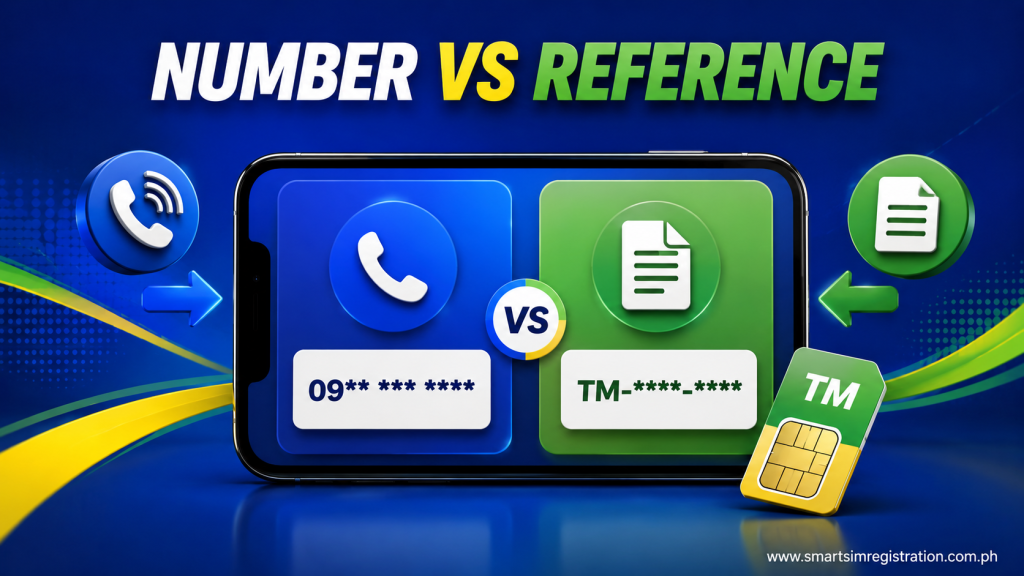
TM Mobile Number vs Registration Reference Number
| Number / Detail | What It Means | Where You Use It |
| 📱 TM Mobile Number | Your regular TM phone number | Used to identify your SIM, receive OTPs, and check registration |
| 🔢 Registration Reference Number | Reference generated after completing SIM registration | Keep it for future registration-related concerns |
| 💬 Confirmation SMS | Message confirming successful registration | Helps verify that registration was completed |
| ✅ Registration Status | Shows whether your SIM is already registered | Can be checked through official Globe channels |
Your mobile number stays connected to your SIM, while the registration reference number is related specifically to the registration transaction.
Where Can You Find Your TM SIM Registration Reference Number?
The registration reference number is displayed after the registration process has been completed.
Globe specifically advises prepaid users to keep the reference number because it may be useful if they later experience a registration-related problem or need assistance.
After registering a TM SIM, it is therefore a good idea to:
- Save the reference number
- Take a screenshot of the final confirmation screen
- Keep the confirmation SMS
- Avoid deleting registration-related messages immediately
If you are registering several SIM cards, save the confirmation details separately for each mobile number.
Also check: GOMO SIM Registration
How to Check If Your TM SIM Is Already Registered
You do not necessarily need the reference number just to determine whether your TM SIM has been registered.
Globe currently provides several ways for prepaid customers to verify registration status.
1. Check Your Confirmation SMS
After successful registration, you should receive a confirmation text.
TM’s own SIM registration guidance also instructs users to complete the form, upload their ID, and wait for the confirmation text.
Search your SMS inbox for registration-related messages if you registered earlier but cannot remember whether the process was completed.
A successful confirmation message is one of the simplest ways to verify your registration.
2. Check the GlobeOne App
TM customers can manage their numbers through GlobeOne, and Globe’s current SIM Registration FAQ says prepaid customers can check their status by looking for the registered badge in the app.
If the correct TM number is already added to your GlobeOne account, open the app and check the SIM registration information associated with that number.
This method can be especially useful if you no longer have the original confirmation SMS.
3. Check Through the Official Registration Portal
If you completed registration but did not receive a confirmation SMS, Globe recommends visiting its online SIM registration portal and entering your number to check whether registration was successful.
In other words, you can enter your TM mobile number on Globe’s official registration portal rather than registering again simply because the confirmation message is missing.
TM officially directs its subscribers to Globe’s SIM registration infrastructure.
What If You Lost Your TM SIM Registration Reference Number?
Losing the reference number does not automatically mean your SIM is unregistered.
First, confirm the registration status using the available official methods:
- Search your messages for the confirmation SMS.
- Check the registration status through GlobeOne.
- Enter your TM number through the official registration portal if you did not receive confirmation.
If your SIM shows as successfully registered, avoid submitting another registration simply because you no longer have the original reference number.
If you need the reference number for a specific concern and cannot retrieve it, contact Globe through its official support channels or visit a Globe store for assistance. Globe directs users with registration problems to official support channels and stores.
What If You Did Not Receive a Confirmation SMS?
A missing confirmation text does not necessarily prove that registration failed.
Globe’s current guidance specifically tells prepaid customers who registered but did not receive a confirmation SMS to visit the online registration portal and enter their number to check whether registration was successful.
Before attempting a completely new registration, check the status first.
Also make sure:
- Your SIM can receive SMS
- Your phone has network signal
- Your SMS inbox is not full
- Registration-related messages were not accidentally deleted or filtered
If the portal shows that your number is already registered, you should not keep submitting new registration forms.
What If the Portal Says Your TM Number Is Already Registered?
If the system reports that your mobile number has already been registered and you believe something is wrong, Globe advises customers to contact Globe through official support or visit the nearest Globe store.
Do not try to bypass the message by entering different personal information.
The “already registered” message may require account-level assistance rather than another registration attempt.
Can You Check TM SIM Registration Number Online?
Yes, you can use official online Globe tools to check registration-related information, but searches such as “TM SIM registration number online login” can be misleading.
There is no need to search for an unrelated third-party “TM registration number login” website.
TM directs SIM registration users to Globe’s official registration system, and Globe also supports registration-status checking through its official channels.
Use the same caution when searching for:
- TM SIM registration number link
- TM registration status login
- TM registration number online
- TM SIM registered check
- TM SIM registration confirmation
The search wording may be different, but the goal should remain the same: verify the SIM through an official Globe or TM channel.
Can You View or Edit Your Registered Details?
Globe’s current SIM registration page provides an option for users who are already registered to view or edit their registration details.
This is different from starting a completely new registration.
If your goal is to correct or update registration information, use the official registered-user route instead of repeatedly submitting a new form.
Globe also notes that users must keep registered SIM information accurate and report relevant changes when required.
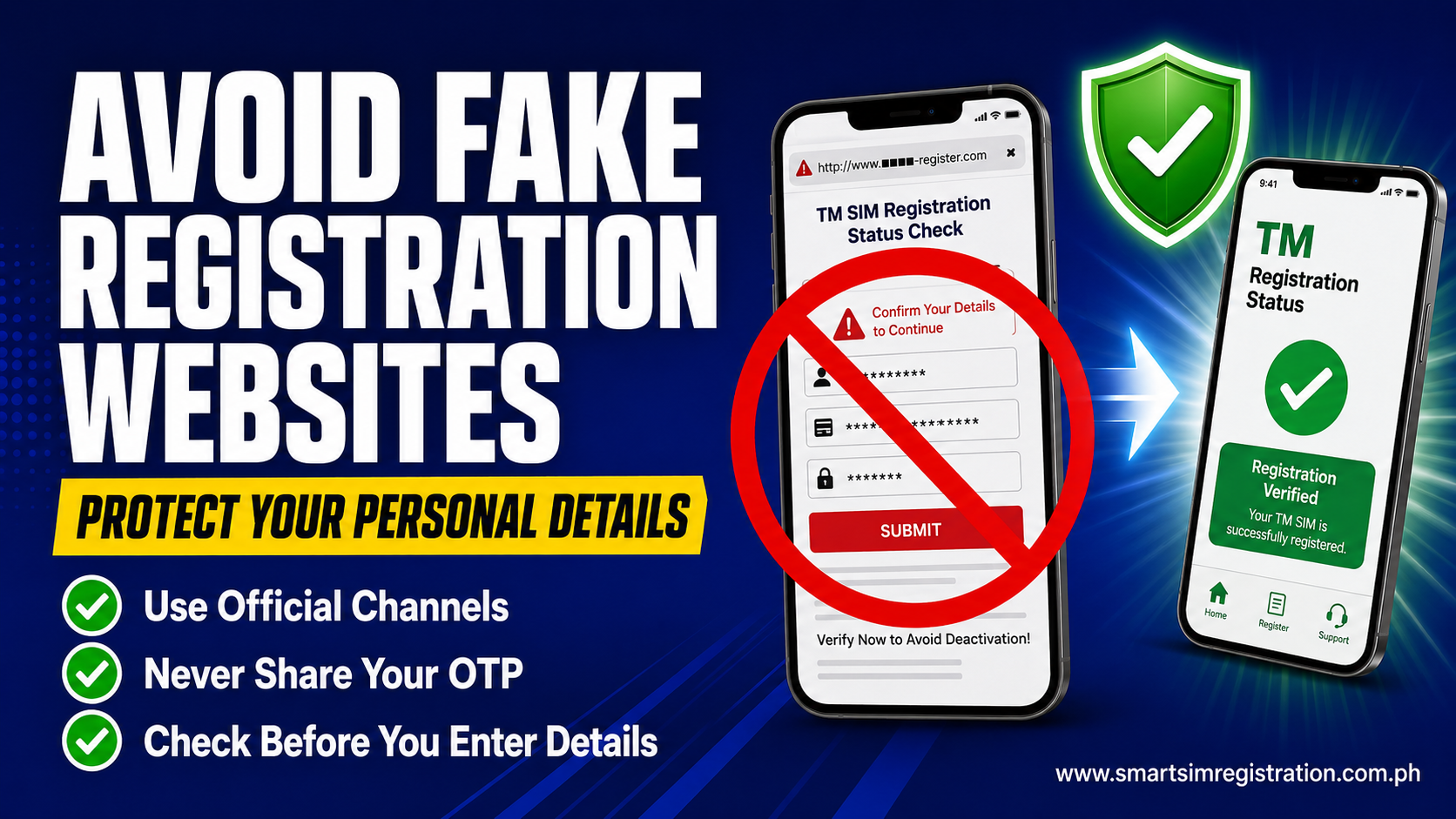
Be Careful With Fake TM Registration Status Websites
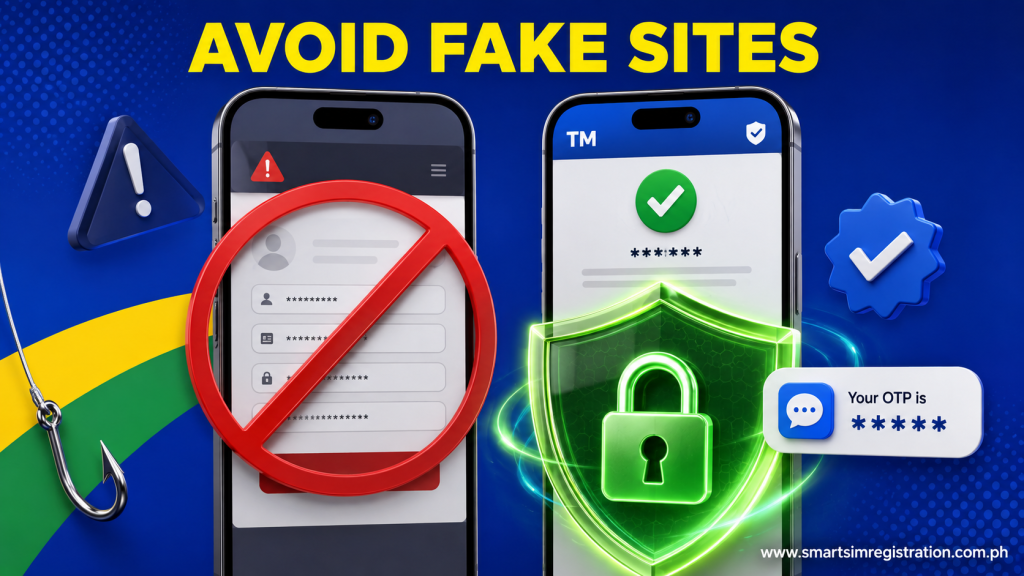
Registration-status searches can expose users to unofficial websites that imitate legitimate SIM portals.
Globe has previously warned customers about fake SIM registration links that attempt to collect sensitive personal information and tells users to rely on its official SIM registration site or GlobeOne.
For that reason, use only official Globe or TM channels when entering your:
- TM mobile number
- OTP
- Government ID information
- Personal details
- Selfie or identity-verification information
A website appearing in search results does not automatically make it an official registration portal.
TM Registration Status
| Your Situation | What to Do |
| ✅ You received a confirmation SMS | Your registration was successfully confirmed |
| 📲 You use GlobeOne | Check for the registered status/badge |
| ❌ No confirmation SMS arrived | Enter your TM number through the official registration portal to check |
| 🔢 You lost the reference number | Check registration status first; contact official support if you need the reference for a concern |
| ⚠️ Portal says already registered | Do not register repeatedly; contact official Globe support if the information appears incorrect |
| 🔎 You found a status-check website | Verify that it is an official Globe or TM platform before entering personal information |