DITO SIM Registration | Requirements, Official Link and Registration Guide
DITO SIM registration is required before you can fully use a new DITO SIM in the Philippines. The process links the SIM to the name of its real owner. It also helps reduce scams and the misuse of mobile numbers.
Republic Act No. 11934 requires new users to register their SIM before activation. This rule applies to prepaid users, postpaid users, foreign nationals, tourists, and businesses.
You can also register more than one DITO SIM under your name. However, you must provide correct details for each SIM.
This guide covers the official DITO registration link, requirements, accepted IDs, registration steps, and common problems.
Official DITO SIM Registration Link
The official online registration portal is:
You can also start from DITO’s official information page:
https://dito.ph/sim-registration
Use the DITO App or the official DITO website whenever possible. Do not open registration links sent by unknown numbers or accounts.
Always check the website address before entering your personal details. An official DITO registration page should use a dito.ph domain.
DITO SIM Registration Requirements
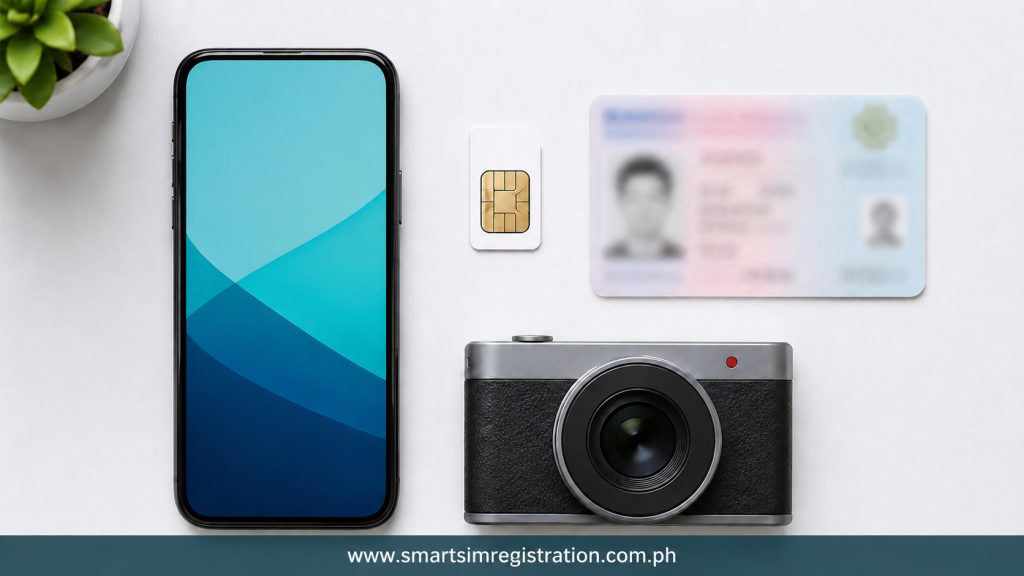
Prepare your information before opening the registration form. This will help you complete the process without delays.
| Requirement | What You Need | Quick Tip |
| DITO mobile number | Number shown on the SIM pack or in the DITO App | Check every digit before requesting an OTP |
| Personal details | Full name, birth date, gender, and current address | Follow the details printed on your ID |
| Valid ID | Clear photo of a government-issued ID | Avoid blur, glare, shadows, and missing edges |
| Selfie | A clear and recent photo of your face | Use good light and look straight at the camera |
| Internet connection | Stable Wi-Fi or mobile internet | Do not change networks during registration |
| Confirmation | Message, screenshot, or reference details | Save it as proof of registration |
DITO accepts several government-issued IDs. These include:
- Passport
- National ID or PhilSys ID
- SSS ID
- GSIS e-Card
- Driver’s licence
- NBI clearance
- Police clearance
- PRC ID
- Voter’s ID
- Senior citizen card
- UMID
- PWD card
- PhilHealth ID
- PhilPost ID
Other valid government IDs with a clear photo may also be accepted.A student ID from a state university or college may be accepted if the student is at least 18 years old.
The accepted ID list may change. Check the options shown on the official registration form before uploading your document.
Also read: How to Know If Your SIM Is Registered
How to Register a DITO SIM Online
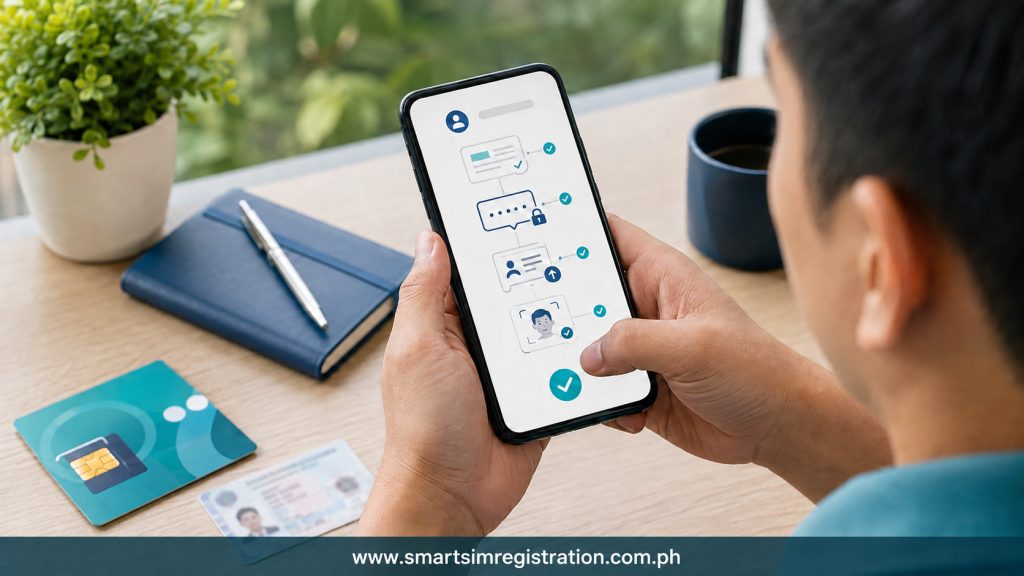
Follow these steps to complete your DITO SIM registration.
1. Insert the DITO SIM
Insert your new DITO SIM into a compatible phone.
Wait for the phone to detect the DITO network. Connect the phone to Wi-Fi if the SIM cannot use mobile data before registration.
2. Open the Official Registration Portal
Open the registration link sent through DITO’s official SMS. You can also use the DITO App or visit the official portal directly.
Check the website address before entering your details. Do not continue if the website looks suspicious or uses a different domain.
3. Enter Your DITO Number
Enter your DITO mobile number carefully.
The system may send a one-time password or OTP to your number. Enter the code before it expires.
Never share your OTP with another person. A real DITO representative should not ask you to send your OTP through a message or social media account.
4. Complete the Registration Form
Enter the personal details requested by the system. These may include:
- Full legal name
- Date of birth
- Gender
- Current address
- Nationality
- Type of subscriber
Use the same name and birth date shown on your ID. A spelling mistake or different date may cause an error.
5. Upload a Valid ID
Choose the correct ID type from the list.Take a clear photo of the document. Make sure the name, photo, ID number, and other details are easy to read.
Do not upload an expired, edited, blurred, or incomplete ID image.
6. Take a Clear Selfie
The system may ask you to take a selfie.Face the camera directly and use good lighting. Remove sunglasses, masks, hats, or other items covering your face.
Do not use a beauty filter, old photograph, or screenshot. The system needs to compare your face with the photo on your ID.
7. Review Your Details
Check all the information before submitting the form.
Review your mobile number, name, birth date, address, and selected ID type. Correct any mistake before moving to the final step.
8. Submit the Form
Submit the registration request after checking your details.Wait for the confirmation screen or message. Do not close the page while the request is still processing.
9. Save the Confirmation
Save your DITO SIM registration confirmation by taking a screenshot.
Keep any reference number or confirmation message shown by the system. You may need it if you face a registration or activation problem later.
DITO SIM Registration for Minors
A minor cannot register a DITO SIM as an independent adult user.The SIM must be registered under the name of a parent or legal guardian. The process normally requires:
- A valid ID of the parent or guardian
- Consent from the parent or guardian
- Other details requested on the official form
The information must belong to the person who is legally responsible for the SIM.
DITO SIM Registration for Businesses
A business can register a DITO SIM for official use.
DITO may ask for:
- SEC or DTI Certificate of Registration
- Board resolution naming the approved representative
- Special Power of Attorney, when required
- Valid ID of the approved representative
The business name and representative’s details must match the documents.
DITO SIM Registration for Tourists
A tourist may need to provide:
- Passport
- Proof of address in the Philippines
- Return or onward ticket
- Date and time of departure
Make sure the passport and travel documents are still valid.
Requirements for Other Foreign Nationals
A foreign national with a non-tourist visa may need:
- Passport
- Proof of address in the Philippines
- Alien Employment Permit
- Alien Certificate of Registration Identification Card
- Student registration and school ID
- Another valid document issued by a Philippine authority
The required documents may depend on the person’s visa or reason for staying in the country.
Also Read: Sim Registration
DITO Prepaid and Postpaid Registration
New DITO prepaid users must register their SIM before full activation.
Postpaid users may already have given their personal details when applying for a plan. DITO may only ask them to confirm or update the information.
Follow the instructions sent through official DITO channels.
Common DITO SIM Registration Problems
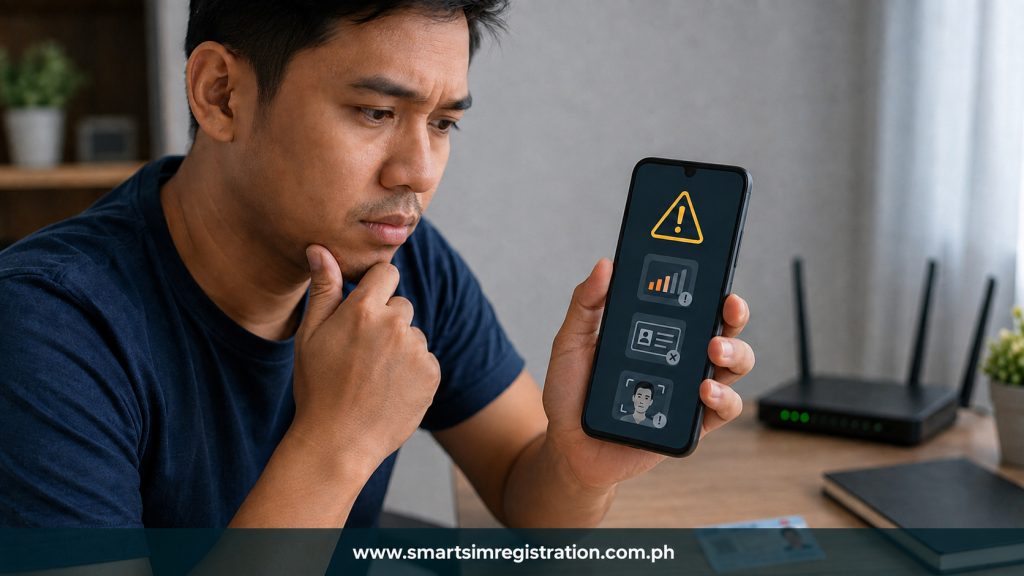
OTP Is Not Received
Check that the SIM is inserted correctly. Make sure the phone can detect the DITO network.
Wait a few minutes before requesting another OTP. You can also restart the phone and try again.
Do not request several OTPs at the same time. A new code may make the older code invalid.
Registration Website Does Not Open
Check your internet connection and reload the official page.
You can also:
- Switch to stable Wi-Fi
- Clear the browser cache
- Use another updated browser
- Turn off a VPN
- Try the DITO App
- Try again later
Make sure you are opening the official DITO registration website.
ID Upload Is Rejected
Take another photo of the ID in a bright place.Keep the full document inside the frame. Avoid glare, blur, shadows, and cropped edges.
Check that the ID is valid and that you selected the correct ID type.
Selfie Verification Fails
Clean your camera lens and move to a brighter place.Look directly at the camera. Keep your face inside the frame and remove anything covering it.
Do not use filters or a photo of another screen.
Personal Details Do Not Match
Compare the form with your ID.Check your full name, middle name, birth date, address, and ID number. Correct any spelling or number mistake.
Use your legal name instead of a nickname.
Registration Page Freezes
The page may freeze because of a weak connection or an expired session.Prepare your ID before starting. Complete the form in one session if possible.
If the page stops working, reopen the official portal. Check your messages before submitting again because your first request may already have been completed.
How to Get Help from DITO

You can contact DITO through:
- Customer Care by dialling 185 from a DITO number
- Live chat in the DITO App
- Email at [email protected]
- Official DITO social media accounts
- A DITO Experience Store
For privacy concerns, DITO also lists [email protected].
Do not send your ID, selfie, OTP, or complete personal details to an unknown account.
DITO SIM Registration and Activation
Registration and activation are related, but they are not the same.Registration confirms the identity of the SIM owner. Activation allows the SIM to use calls, texts, and mobile data after registration.
A new DITO Starter Pack must first be registered. The SIM may then activate for use on the DITO network.Your phone must also support the DITO network. Network coverage and phone settings may affect the service even after successful registration.
This article does not cover the complete DITO eSIM process. DITO eSIM needs a separate guide because it includes device checking, QR-code installation, registration, and activation.