TM SIM Registration | Complete Guide, Official Link and Requirements
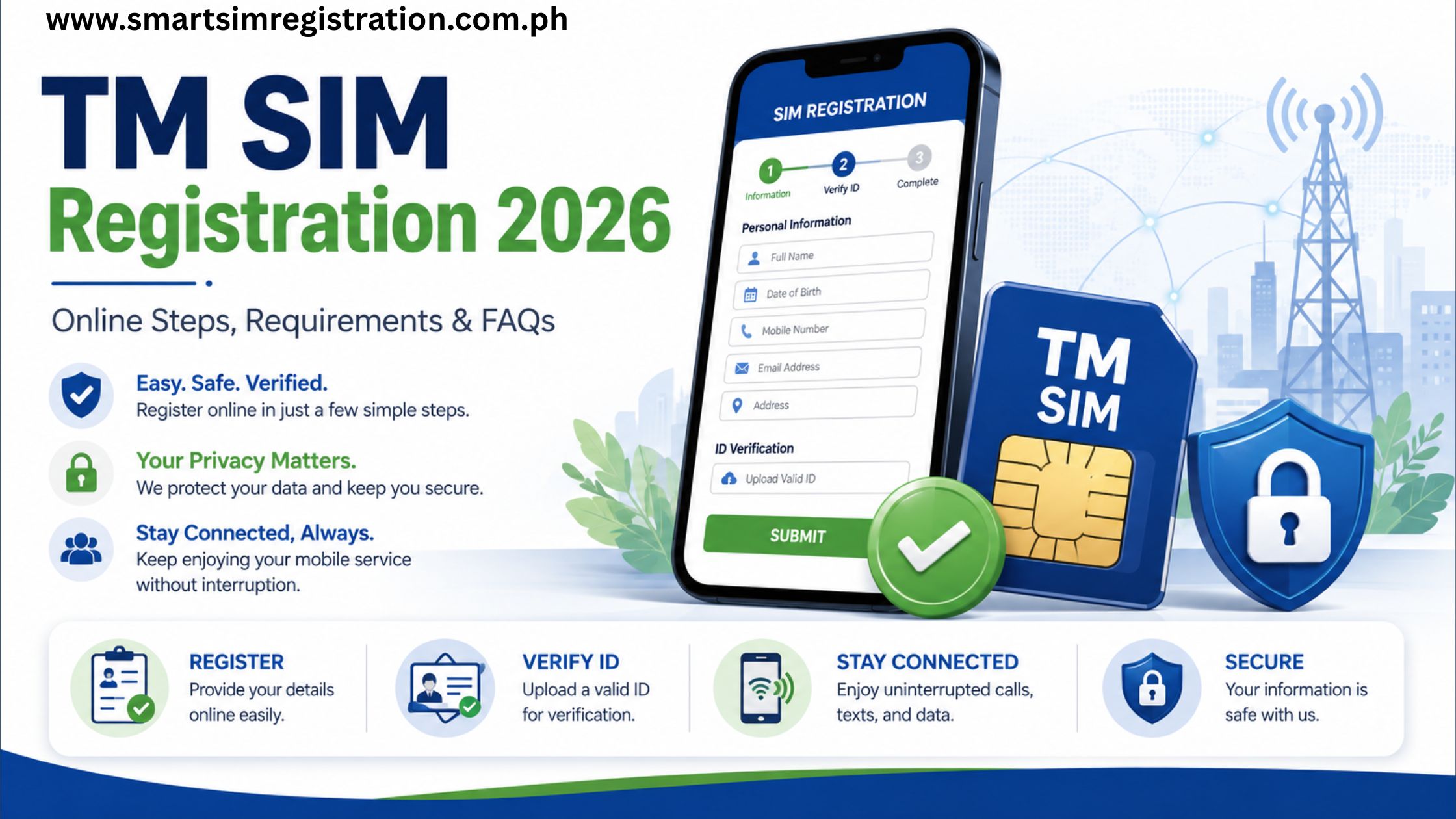
TM SIM registration is required for new TM users before a SIM can be fully used for mobile services in the Philippines. People searching for terms such as sim registration TM, TM registration SIM, TM SIM card registration, and TM SIM registration online are generally trying to complete the same task, so this guide brings the requirements, official registration route, online steps, and common problems together in one place.
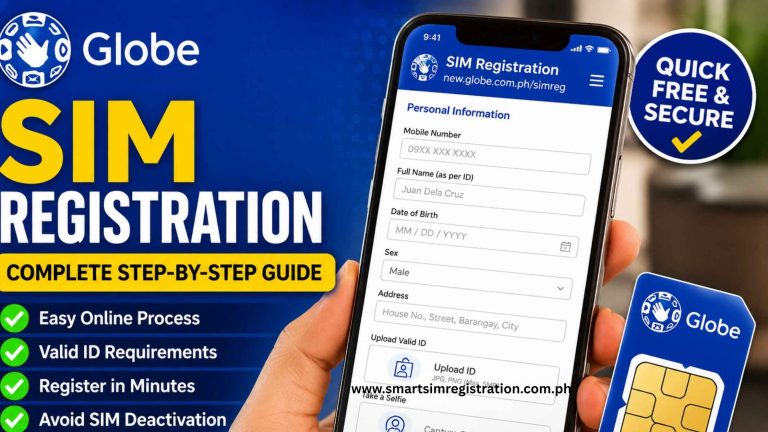
TM customers use Globe’s SIM registration infrastructure. Globe Prepaid and TM subscribers can complete registration through Globe’s online SIM registration system, while TM users may also encounter Globe-branded registration pages during the process.
What Is TM SIM Registration?
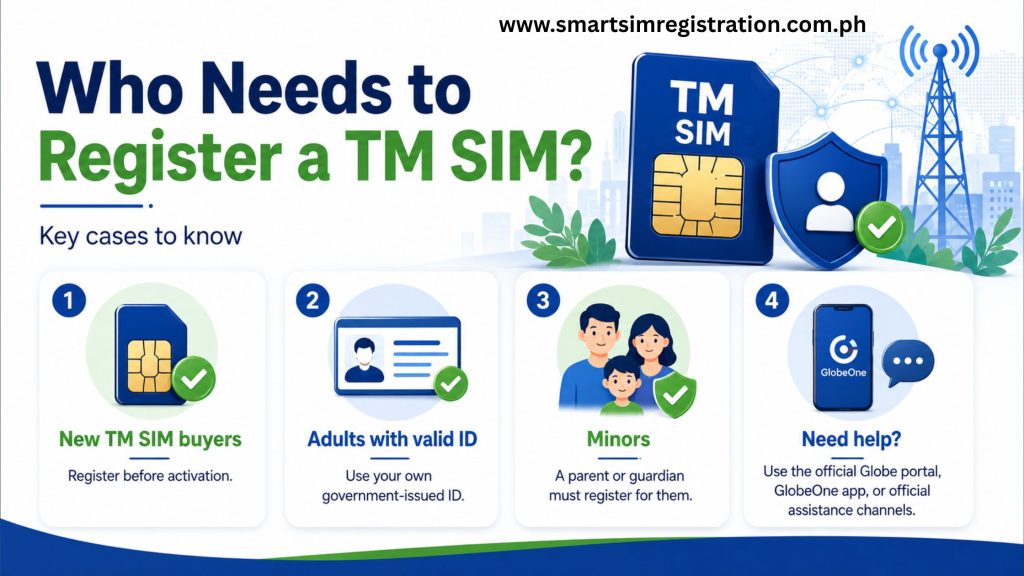
TM SIM registration connects your mobile number with verified subscriber information as required under the Philippine SIM Registration Act.
The registration process normally requires the subscriber to verify the TM mobile number, provide personal information, submit an accepted identification document, complete identity verification, and review the information before submission.
New prepaid SIM users must complete the required registration before normal mobile services can be fully activated.
What Is the Official TM SIM Registration Link?
One of the most common questions from TM users is why a Globe website appears when they try to register their TM SIM.
TM operates within Globe’s prepaid network and uses Globe’s SIM registration infrastructure. This means a Globe-controlled registration page can be the correct destination even when the mobile number being registered belongs to TM.
Users may encounter registration-related searches such as:
- TM SIM registration link
- TM SIM registration portal
- TM SIM registration online
- simreg TM
- TM SIM card registration link
- new.globe.com.ph SIM registration TM
These variations generally represent the same registration intent.
The safest approach is to begin registration through an official Globe-controlled registration page rather than entering personal information on an unrelated website, advertisement, social media link, or third-party registration form.
Before uploading an ID or selfie, check that the registration page belongs to an official Globe or TM source.
TM SIM Registration Requirements
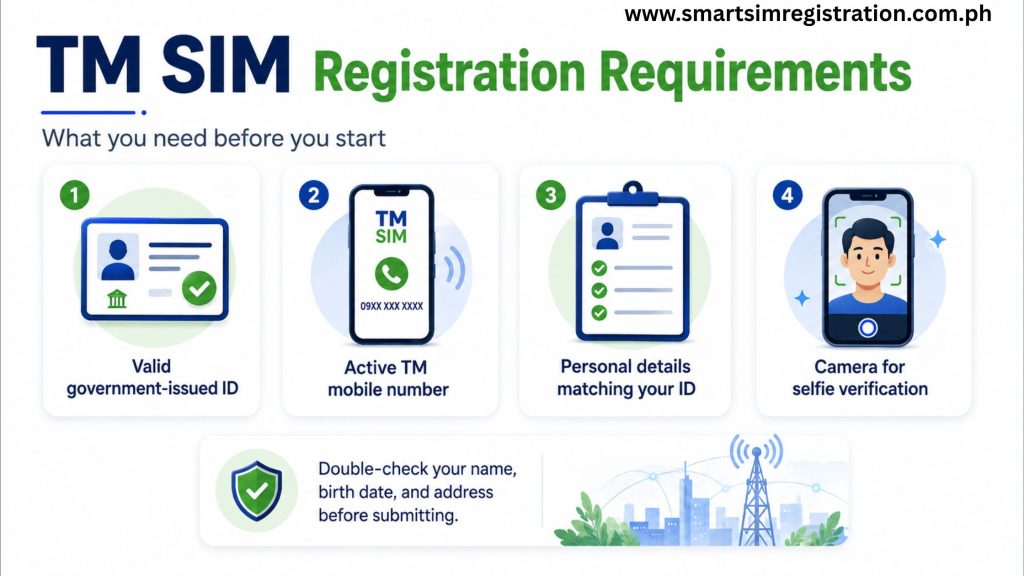
Prepare the required information before opening the online registration form. Having everything ready can reduce interruptions, expired sessions, incorrect submissions, and repeated verification attempts.
| ✅ Requirement | 📌 What You Need | 💡 Quick Tip |
| 📱 TM Mobile Number | The TM number you want to register | Keep the SIM inserted so you can receive the OTP |
| 👤 Personal Details | Full name, date of birth, sex, nationality, and current address | Enter the information exactly as requested |
| 🪪 Valid Government ID | A currently accepted government-issued identification document | Use a clear and unexpired document |
| 🔐 OTP Verification | Access to your TM SIM for the one-time PIN | Make sure the SIM has a stable network signal |
| 🤳 Selfie / Photo | A clear facial image when identity verification is requested | Use good lighting and keep your face visible |
| 🌐 Internet Connection | Stable Wi-Fi or mobile data | Avoid weak connections during ID or selfie upload |
| 📋 Registration Type | The correct subscriber category displayed on the portal | Choose the category that matches your actual situation |
| ✅ Confirmation Details | SMS, reference information, or confirmation screen | Save a screenshot for future status checks |
Accepted identification documents may include the Philippine National ID, passport, driver’s license, BIR or TIN ID, UMID, PhilPost Postal ID, SSS ID, PRC ID, and other documents currently accepted by the registration system.
The exact list of accepted IDs can change, so always follow the latest options displayed on the official registration portal.
How to Register a TM SIM Online
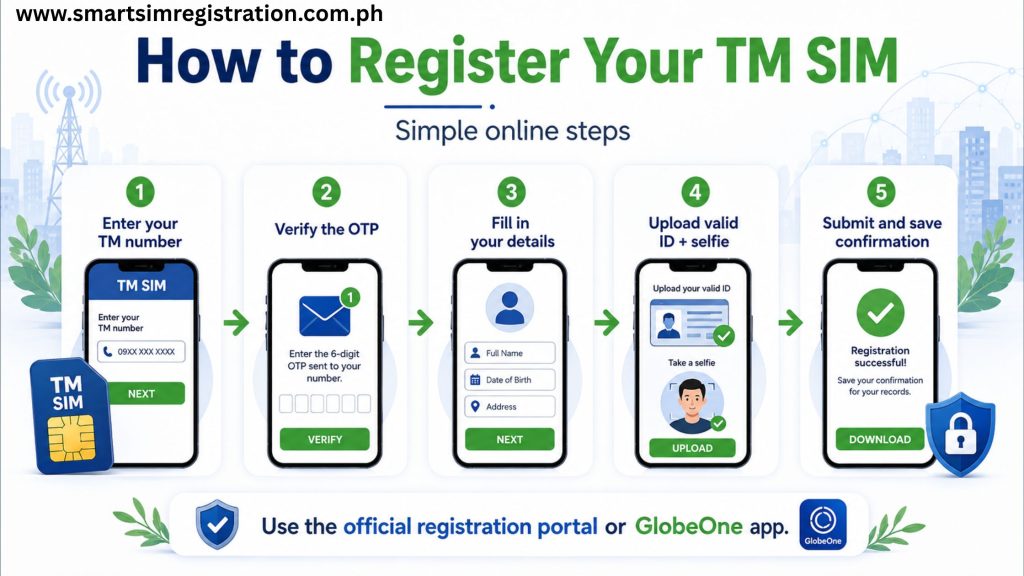
TM registration is completed through Globe’s registration infrastructure.
Step 1: Open the Registration Page
Access the registration website through an official Globe or TM source.
Avoid selecting a page simply because its title contains phrases such as TM registration portal, register TM SIM, or TM SIM registration online.
Always verify the website before entering your mobile number, identification details, or other personal information.
Step 2: Enter Your TM Mobile Number
Enter the TM number you want to register.
Make sure the SIM is inserted into a working phone and has enough network signal to receive an SMS verification code.
Check the mobile number carefully before continuing because the registration will be associated with the number entered.
Step 3: Verify the Number Using the OTP
The registration system sends a one-time PIN or OTP to your TM number.
Enter the code within the time allowed by the portal. If the OTP expires before you use it, request another code through the available resend option.
Avoid requesting several OTPs within a very short period because multiple codes may arrive and make it difficult to determine which one is currently valid.
Step 4: Select the Correct Registration Type
Choose the registration category that accurately represents your situation.
Do not select a different category simply to proceed through the form more quickly.
The information submitted should accurately represent the person responsible for the SIM.
Step 5: Enter Your Personal Information
Complete the subscriber-information fields displayed by the registration system.
Your personal details should match your valid ID as closely as possible.
Carefully check:
- Full name
- Date of birth
- Address
- Nationality
- Other requested personal information
Even small spelling mistakes or incorrect dates can make identity verification more difficult.
Step 6: Upload a Valid ID
Upload or capture a clear image of an identification document accepted by the registration system.
For better results:
- Use a valid and unexpired document
- Make sure the entire ID is visible
- Avoid glare and strong reflections
- Keep all printed information readable
- Do not crop important edges
- Retake blurry images before submitting
Use the same document type that you select in the registration form.
Step 7: Complete the Selfie or Identity Check
The registration system may ask for a selfie or another identity-verification step.
Move to a well-lit location and keep your complete face visible, Avoid:
- Strong backlighting
- Heavy shadows
- Sunglasses
- Hats
- Objects covering your face
- Excessive movement while capturing the image
Follow the instructions displayed by the registration system.
Step 8: Review and Submit
Before submitting the registration form, review all information one final time.
Pay particular attention to:
- TM mobile number
- Full name
- Birth date
- Current address
- ID type
- Uploaded document
- Registration category
Submit the form only after confirming that the information is accurate.
After submission, keep any confirmation screen, SMS, or reference information provided by the system.
Can You Register a TM SIM Through GlobeOne?
GlobeOne may provide another official route for SIM registration and account management.
This option can be useful when:
- The browser registration page does not load correctly
- You already manage your mobile account through GlobeOne
- Your phone handles camera access better through an app
- You prefer an app-based registration interface
The same identity and registration requirements still apply. Using an app does not remove the need to provide accurate subscriber details and valid identification.
There is also no need to create a separate long TM GlobeOne article unless search data later shows a genuinely different user intent.
TM SIM Registration for Minors
A SIM used by a minor follows different ownership requirements.
The registration should follow the parent or legal guardian requirements displayed by the official registration system.
The parent or guardian should provide the required identification and subscriber information rather than entering inaccurate ownership details simply to complete the form.
Can You Register More Than One TM SIM?
A person may use more than one prepaid SIM, but every mobile number requiring registration should be completed separately.
Registering one TM number does not automatically register other SIM cards owned by the same person.
If you manage several TM numbers, save the confirmation details for each SIM separately.
This makes future support requests or registration-status checks easier.
Common TM SIM Registration Problems
OTP Is Not Arriving
Check whether the TM SIM has a network signal and can receive SMS messages.
Wait briefly before requesting another OTP.
If several codes were requested recently, use the newest valid code instead of trying older messages.
Registration Page Does Not Load
First confirm that you are using the correct registration website.
Then try:
- Refreshing the page
- Closing and reopening the browser
- Switching to another browser
- Clearing the browser cache
- Changing from Wi-Fi to mobile data
- Changing from mobile data to Wi-Fi
- Restarting the device
If the problem continues, try another official registration method.
ID Upload Fails
Check that the document image is clear and readable.
Common problems include:
- Poor lighting
- Strong glare
- Cropped document edges
- Blurry photographs
- Expired identification
- Unsupported image files
Retake the ID image rather than repeatedly uploading an unclear copy.
Selfie Verification Fails
Move to a brighter location and make sure your complete face is visible.
Remove sunglasses, hats, or anything else that may interfere with facial verification.
Keep your phone steady while capturing the image.
Personal Information Is Rejected
Compare every field in the registration form with your identification document.
Check for:
- Incorrect spelling
- Wrong birth date
- Missing names
- Incorrect address details
- Expired identification
- Wrong registration category
Correct the problem before attempting another submission.
You Found a Different TM Registration Website
Be cautious before entering identification information on an unfamiliar website.
Search results, advertisements, messages, and social media posts may direct users to pages that imitate registration services.
Start from an official TM or Globe source whenever possible and verify the domain before submitting your mobile number, identification details, or selfie.
What About the TM SIM Registration Number?
TM SIM registration number represents a different search intent from simply registering a new TM SIM.
People using this query may be searching for:
- Their TM mobile number
- Registration reference number
- Registration confirmation
- Registration status
- Online login
- Registration-number tracking
- Lost confirmation details
These questions should not be expanded inside this main registration guide because doing so would create unnecessary overlap with a dedicated TM SIM Registration Number and Status article.
For this page, the important action is to save your registration confirmation or reference details once the registration has been submitted successfully.
Is TM SIM Registration Free?
Standard registration through the official SIM registration system is free.
Be cautious if an unfamiliar person, website, or social media account requests payment simply to complete ordinary TM SIM registration.
SIM registration also does not require banking passwords, banking OTPs, or unrelated financial account information.
Never provide such information to a website claiming it is necessary for standard SIM registration.