Globe SIM Registration Online | Official Link, Portal Access and Common Fixes
If you are trying to complete Globe SIM registration online, the first challenge is often not the registration form itself, it is finding the correct portal and making sure the page you open is really operated by Globe.
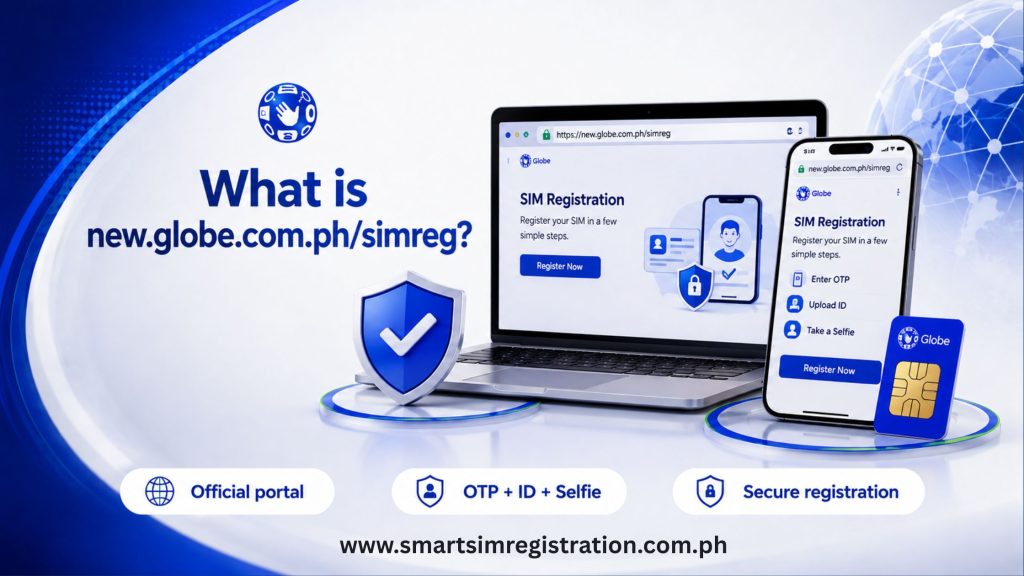
Search results can show several versions of Globe registration URLs, including new.globe.com.ph, simreg.globe.com.ph, and search variations such as new.globe.com.ph/simreg. Instead of trusting a random result, users should start from Globe’s official SIM registration page and follow the registration link provided there.
This guide focuses specifically on portal access, link verification, browser problems, session errors, and safe alternatives. For the complete registration requirements and step-by-step process, see our Globe SIM Registration guide here.
What Is the Official Globe SIM Registration Link?
Globe’s current SIM registration guide provides a Register Now button that directs users to simreg.globe.com.ph. The same official guide also references new.globe.com.ph as its SIM registration website.
Because official Globe pages may route users between Globe-controlled registration pages, the safest starting point is the official Globe SIM registration portal available through Globe’s main website rather than a link copied from an unknown blog, advertisement, social media post, or text message.
Globe’s own prepaid SIM terms also identify its official registration page and state that new subscribers must register before SIM activation.
Why Do People Search for Different Globe Registration URLs?
The keyword cluster around Globe registration contains several variations, including:
- globe sim registration online
- globe sim registration link
- new.globe.com.ph sim register
- new.globe.com.ph/simreg
- new.globe.com.ph.simreg
- simreg.globe.com.ph
These searches often represent the same basic intent: the user wants to reach Globe’s legitimate online registration system.
The important distinction is that search-query spelling and the actual URL are not always the same thing. For example, a person may search Google for new.globe.com.ph.simreg with dots instead of a slash. That does not mean that exact text is the page address they should manually type into the browser.
Use the current link presented on Globe’s official website instead of trying to reconstruct the URL from memory.
How to Check Whether a Globe Registration Page Is Legitimate
Before entering your mobile number, ID information, selfie, or other personal details, check the browser address bar.
The page should be connected to a Globe-controlled domain. A website that adds extra words before or after the Globe name, uses an unrelated domain extension, or imitates the Globe design on a different domain should not be trusted simply because it appears in search results.
Also check the following:
- The browser shows a secure HTTPS connection.
- The page does not request payment for SIM registration.
- It does not ask for banking passwords or banking OTPs.
- The registration page can be reached from Globe’s official website.
- The branding and instructions are consistent with Globe’s current support pages.
Globe confirms that online SIM registration is free and zero-rated.
What to Do If the Globe Registration Portal Does Not Open
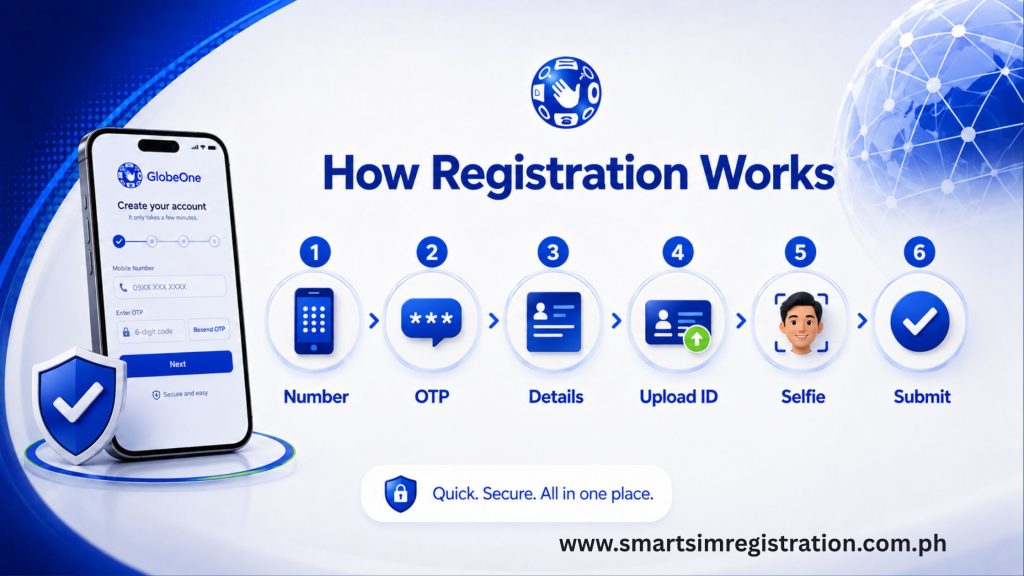
A portal-access problem does not automatically mean the Globe registration website is down.
If you experience the registration portal not loading, first check that the URL is correct and that your internet connection is working. Globe specifically advises users who cannot access the registration link to verify both the URL and their connectivity.
You can then try these practical fixes:
Refresh the page
Close the current tab and reopen the registration page from Globe’s official website.
Try another browser
If the form does not display correctly in your current browser, try Chrome, Safari, Edge, or another updated browser.
Clear cached website data
Old cached files can sometimes prevent a refreshed form or page element from loading properly. Clear the browser cache for the affected site and reopen the page.
Switch your internet connection
Move from Wi-Fi to mobile data, or from mobile data to a stable Wi-Fi connection.
If you are using public, school, or office Wi-Fi, network restrictions may interfere with form elements or file uploads.
Disable unnecessary browser extensions
Privacy extensions, script blockers, VPN browser add-ons, or aggressive ad blockers can occasionally interfere with interactive forms. Temporarily disabling them may help identify whether the browser configuration is causing the problem.
What If the Registration Session Expires?
Registration forms containing personal details should not remain open indefinitely.
If the page expires while you are completing it, reopen the official registration page and begin a fresh session. Do not use an old browser tab repeatedly if the form is no longer responding.
Keep your valid ID, mobile number, and other required information ready before starting so you can complete the form without long interruptions.
The complete list of information and IDs belongs in the main Globe registration guide rather than being repeated here.
OTP Problems on the Online Portal
Globe uses a One-Time PIN as part of the online registration process. Its current guide states that the six-digit OTP expires after five minutes.
If the OTP does not arrive, check that the SIM has network signal and use the Resend OTP option on the registration portal. Globe gives the same guidance in its official SIM Registration Act FAQ.
Avoid requesting several OTPs one after another. If multiple codes arrive, it can become unclear which one is still valid.
For broader registration errors involving personal details, ID verification, or registration status, use the main Globe guide or status-check guide instead of duplicating those topics on this page.
Can You Register Without Using a Browser?
Yes. Globe also provides the GlobeOne app as an official SIM registration option. Globe’s current support documentation lists both online registration and GlobeOne as registration methods.
Using GlobeOne can be helpful if:
- The browser portal repeatedly fails to load.
- You already manage your Globe number inside the app.
- You prefer an app-based interface.
- Camera or upload functions work more reliably through the app on your device.
What If You Submitted the Form but Received No Confirmation?
Do not immediately submit another complete registration.
Globe advises prepaid users who registered through the portal but did not receive a confirmation SMS to return to the online registration portal, enter the number, and check whether the registration was successful.
If the system already recognizes the number as registered, avoid creating another submission.
Common Globe Registration Link Mistakes
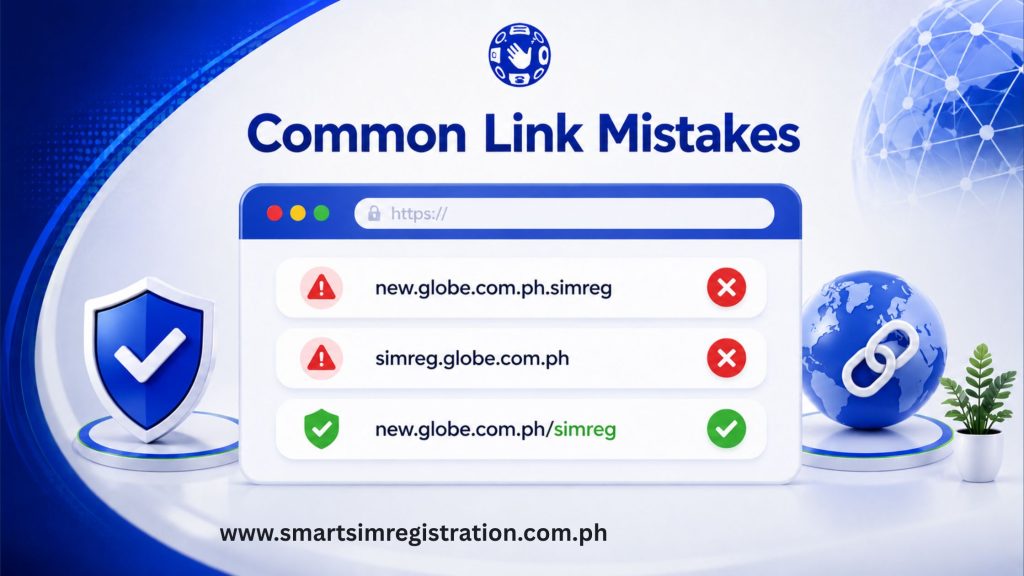
Some portal problems begin before the page even opens, Avoid:
- Guessing the registration URL from memory
- Converting slashes into dots
- Clicking lookalike domains
- Entering ID details on third-party forms
- Assuming every Google result is operated by Globe
- Using an old bookmarked page without checking whether Globe still links to it
When the official registration route changes, Globe’s own website should be treated as the primary navigation source.